You need the View audit logs permission, which Owners and Admins have by default. You can also grant it to a custom role.
What’s tracked
Audit logs cover configuration, permission, and security events. They record:- Alert sources, routes, priorities, and escalation paths
- Schedules, schedule overrides, holiday feeds, and notification pauses
- Custom fields, incident types, roles, statuses, timestamps, and severities
- Workflows, nudges, announcement rules, post-incident tasks, and post-mortem templates
- Status pages, policies, and Catalog types
- User creation, updates, deactivation, logins, and role assignments
- SCIM group role and seat mappings
- API key creation, rotation, and deletion
- Integration installs and uninstalls, IP allowlist changes, and secrets
- Access attempts, access requests, and membership changes on private incidents, alerts, and escalations
- Telemetry data source installs, access mode changes, and queries
- Insights measures, drilldowns, and exports that include private incident data
- Timeline items you delete, and incident, alert, or escalation data you scrub
Viewing audit logs
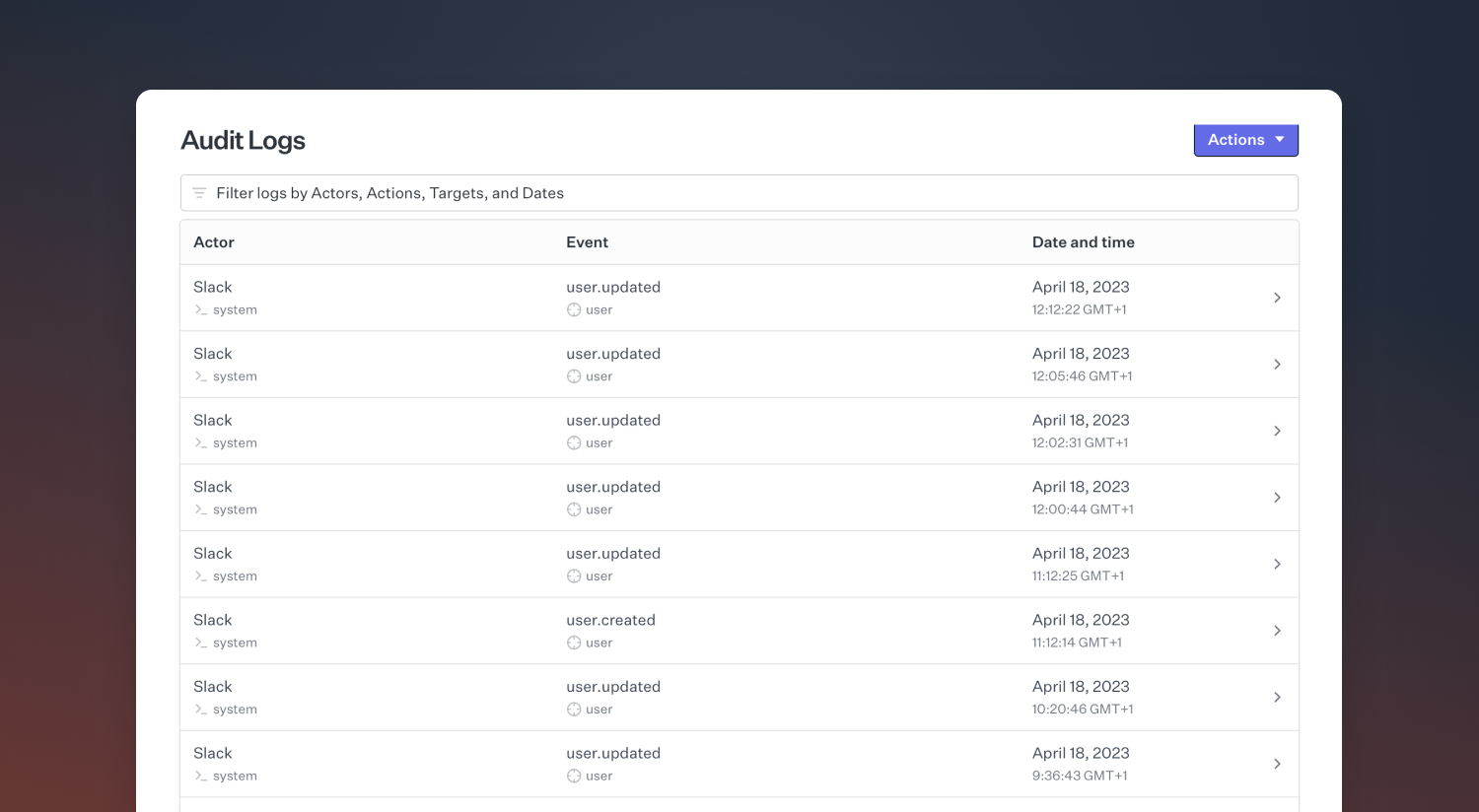
Access audit logs at Settings → Security. From there you can:- View entries in a web interface, filterable by target, event type, actor, and date
- Export entries for a given time period to CSV
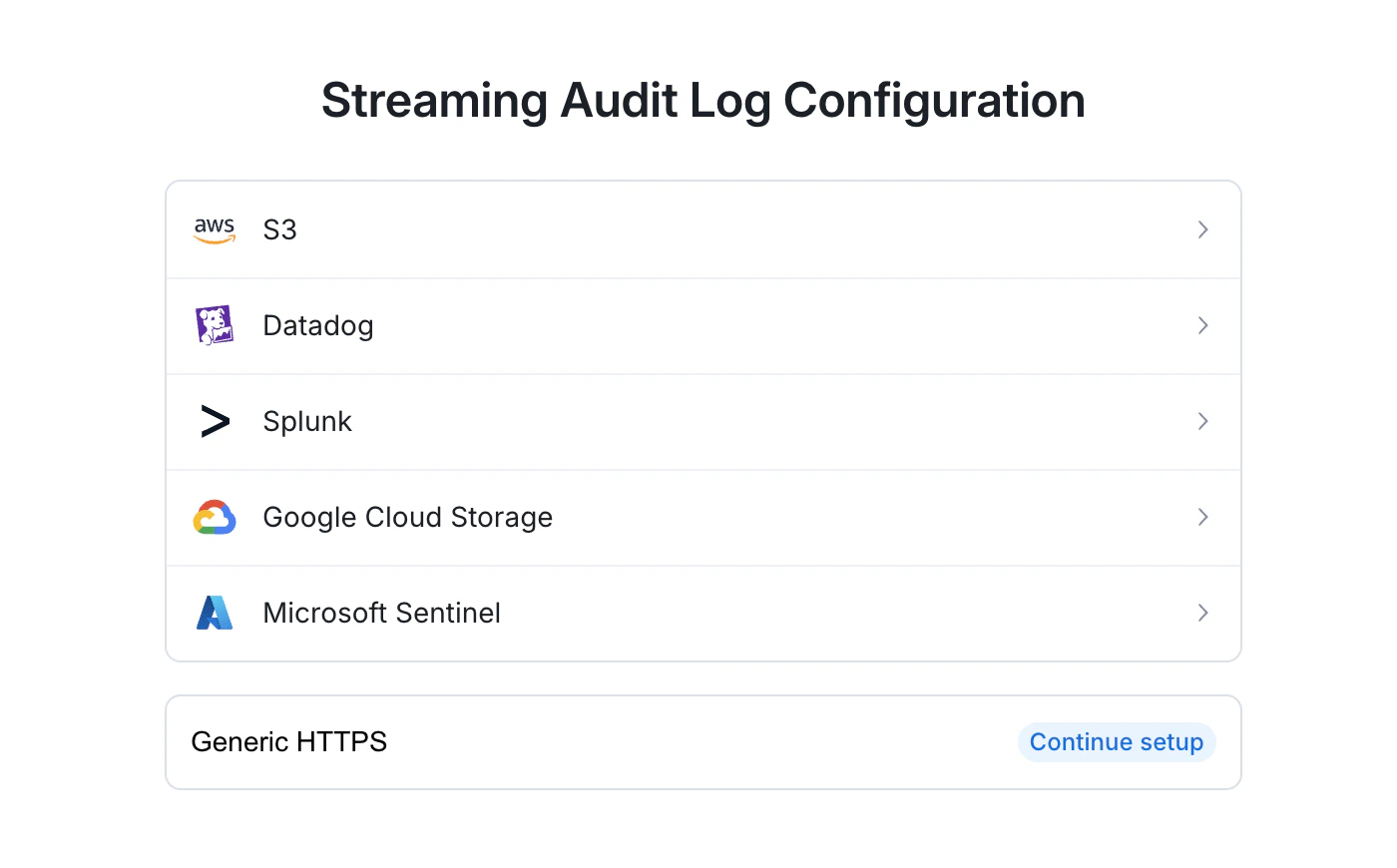
- Set up a log stream to a SIEM provider (e.g. Datadog, Splunk, or an Amazon S3 bucket)