

See which customers are affected
Who’s hit, what they’re worth, and who their account managers are.
Find out whether customers have reported it
Check your support tool for tickets about the incident.
Query and update your feature flags
Check a customer’s targeting, and roll a flag back once you approve.
Check your own internal systems
Check the services only your company has, the way their owners would.
Point responders at the dashboards that matter
The handful of dashboards your experienced engineers would open first.
Check whether a change has actually shipped
Tell merged from deployed before blaming a recent change.
Lock main when something bad has shipped
Stop new deploys while the revert lands.
Purge a queue backlog
Clear messages that will never succeed, once you approve.
Block traffic from a bad IP
Find where bad traffic comes from and block it at the edge.
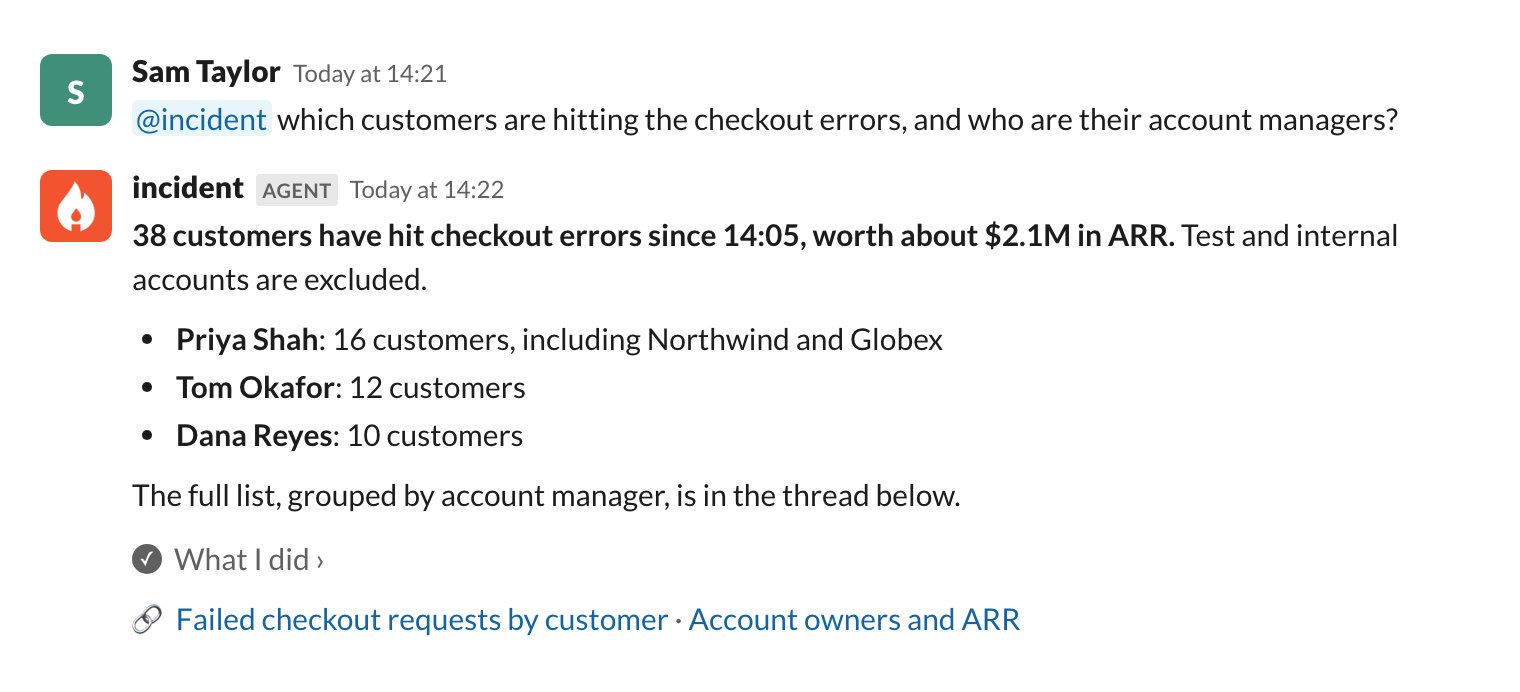
See which customers are affected
When something breaks, your account team wants to know who to contact. The agent can find the customers who hit errors in your data warehouse, then look up their ARR and account manager in your CRM. Example connectors: your data warehouse’s MCP server, with a read-only service account · an internal MCP server that runs a few approved queries against your data warehouse · your CRM’s HTTP API Example skills:customer-impact, covering which tables record failed requests, how to filter out test accounts, and how to match a customer to their CRM account
Example access controls: Allow the data warehouse tools everywhere, since they only read. Limit the CRM tools to your support and account teams, so revenue figures only reach the people who need them.
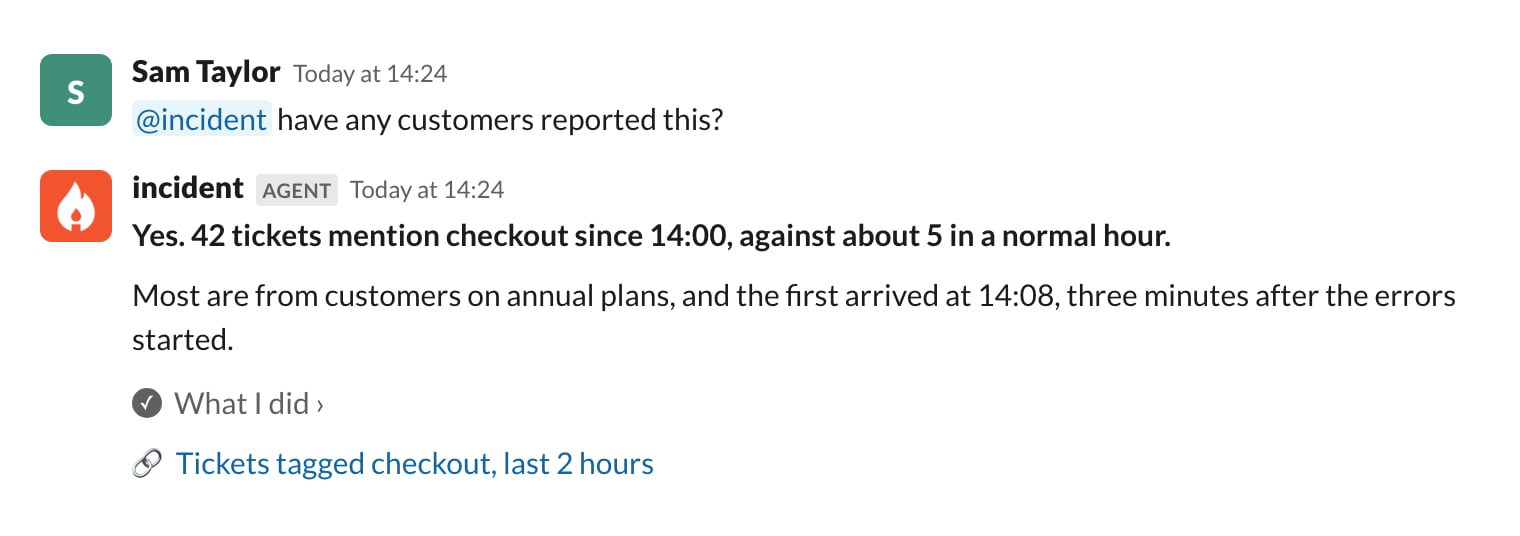
Find out whether customers have reported it
Support tickets are often the first sign that customers have noticed. Connect your support tool, and the agent can tell you how many tickets mention the problem and how that compares with a normal hour. Example connectors: your support tool’s MCP server · your support tool’s HTTP API Example skills:support-volume, covering what a normal hour looks like, and which tags map to which product area
Example access controls: Allow ticket search for everyone. If your support team wants to reply to customers through the agent, limit creating and replying to tickets to that team, and require confirmation. Everyone else can read tickets but never answer them.
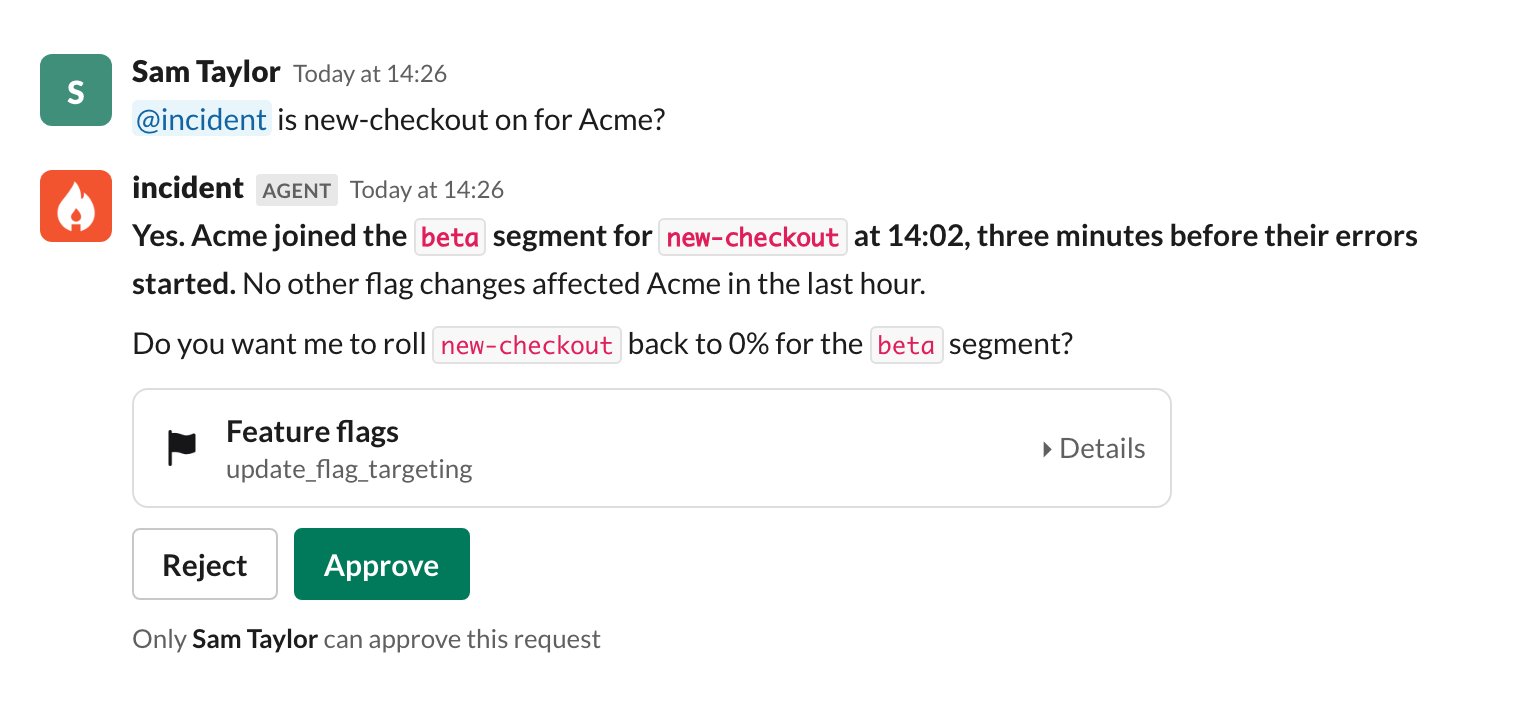
Query and update your feature flags
Flag changes are a common cause of incidents that affect a single customer, but targeting rules are hard to read in a hurry. The agent can check whether a flag is on for a customer, see when that changed, and roll it back once you approve. Example connectors: your flag provider’s MCP server · the HTTP API of your in-house flag service Example skills:feature-flags, covering how your targeting works, which segment holds internal accounts, and which flags are safe to roll back
Example access controls: Allow reading flags everywhere. Require confirmation to update a flag, and limit that tool to your on-call team. Investigations can check flags but never change them.
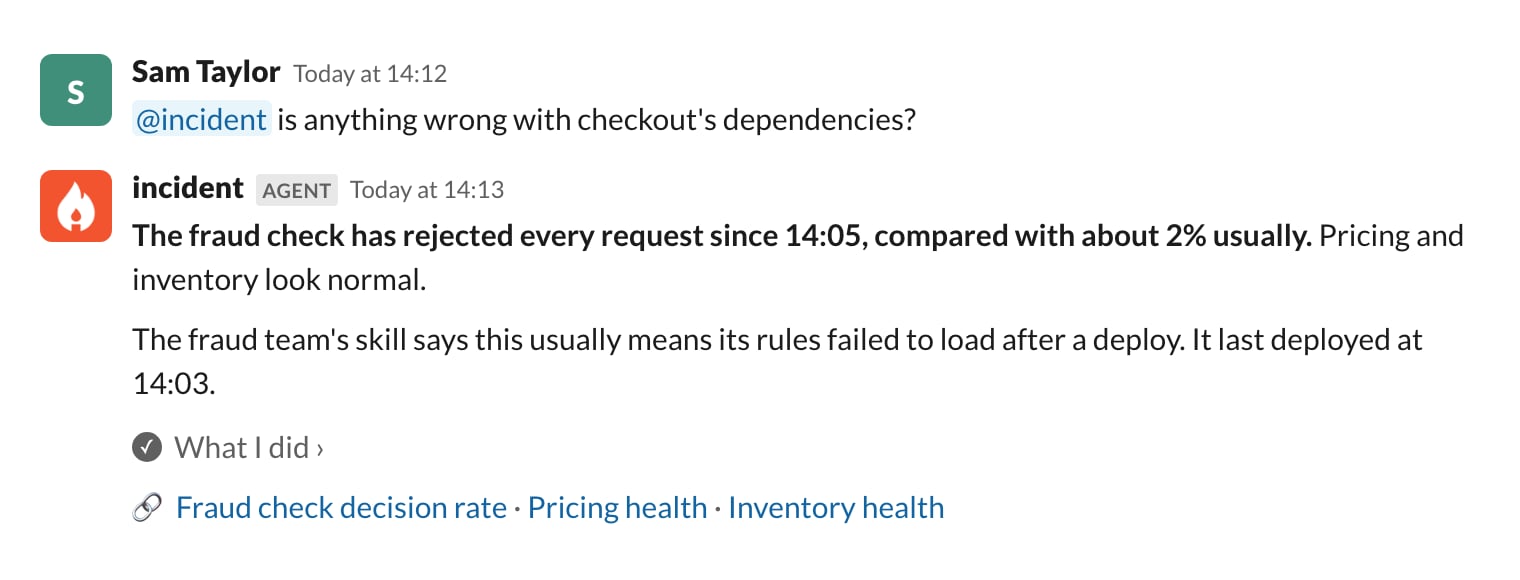
Check your own internal systems
Most products depend on internal services that other teams own, and only those teams really know what healthy looks like. Connect each service and let its owners write a skill about it, and the agent can check them the way the owners would. Example connectors: the HTTP API of your pricing service · an MCP server in front of your inventory system · your fraud team’s agent, exposed as an MCP tool Example skills:fraud-check, inventory and so on, one per system, written by the owning team · checkout-dependencies, covering which system to check for which symptom
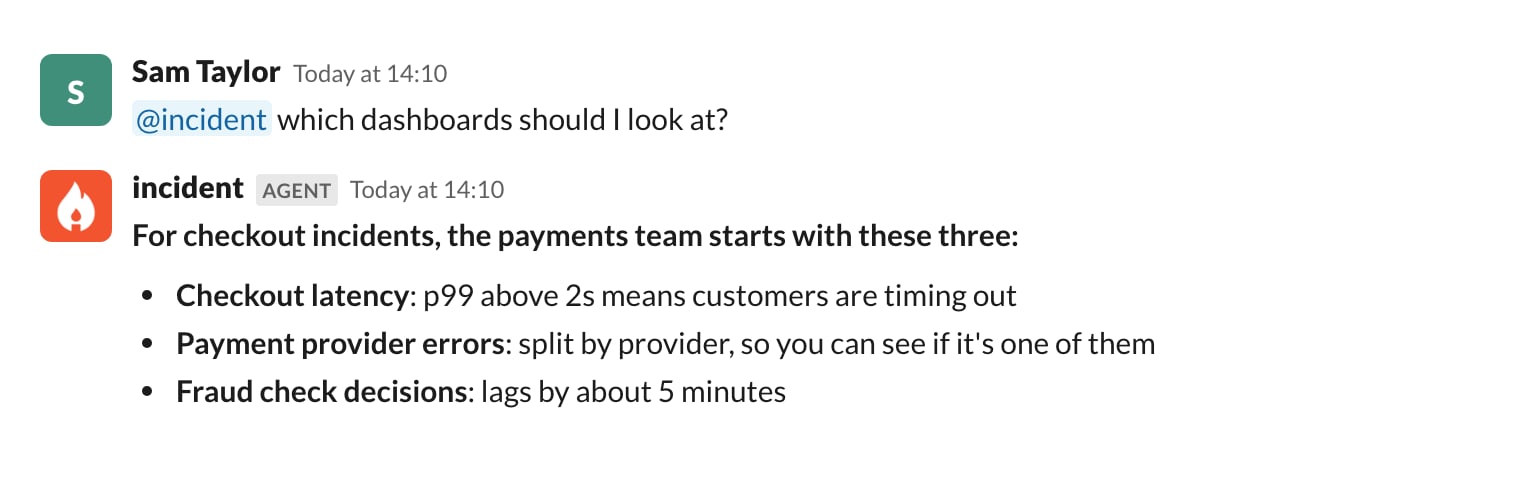
Point responders at the dashboards that matter
You might have thousands of dashboards, but your experienced engineers know the few that matter for each kind of incident. Write that down in a skill, and anyone on call gets the same starting point. Example connectors: your observability tool’s MCP server, so the agent can open the dashboards as well as name them Example skills:key-dashboards, covering the 3 to 5 dashboards that matter for each service, and what “bad” looks like on each
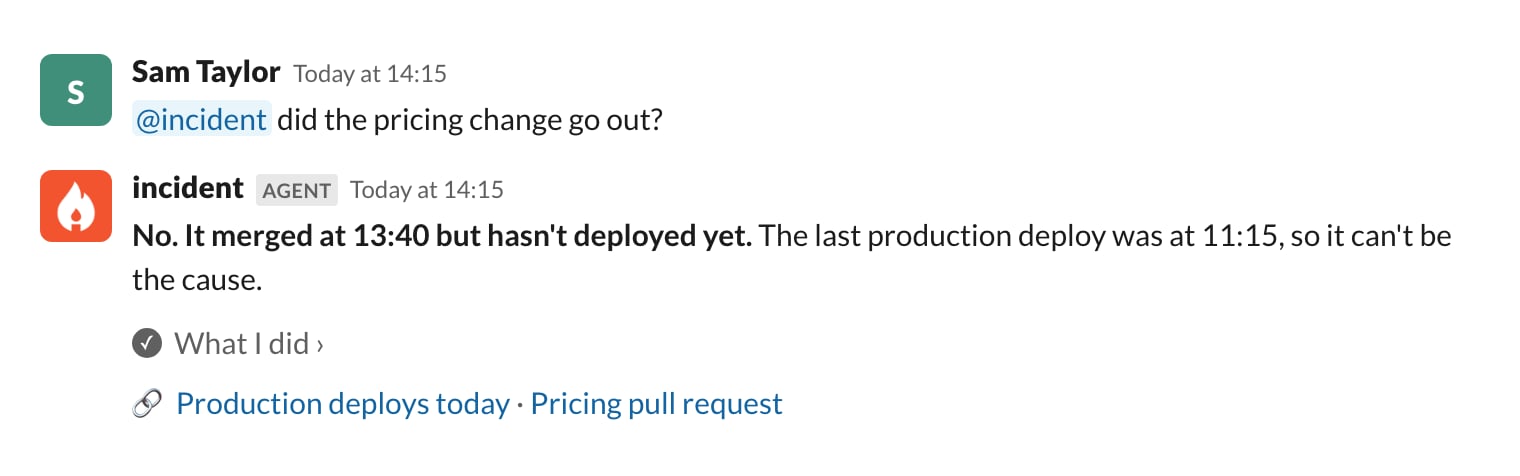
Check whether a change has actually shipped
A change that merged an hour ago might not be live yet. The agent can check your deploy tool before anyone spends time on a change that can’t be the cause. Example connectors: your deploy tool’s HTTP API · your CI provider’s MCP server Example skills:how-we-release, covering merge vs deploy vs rollout, and what each environment name means
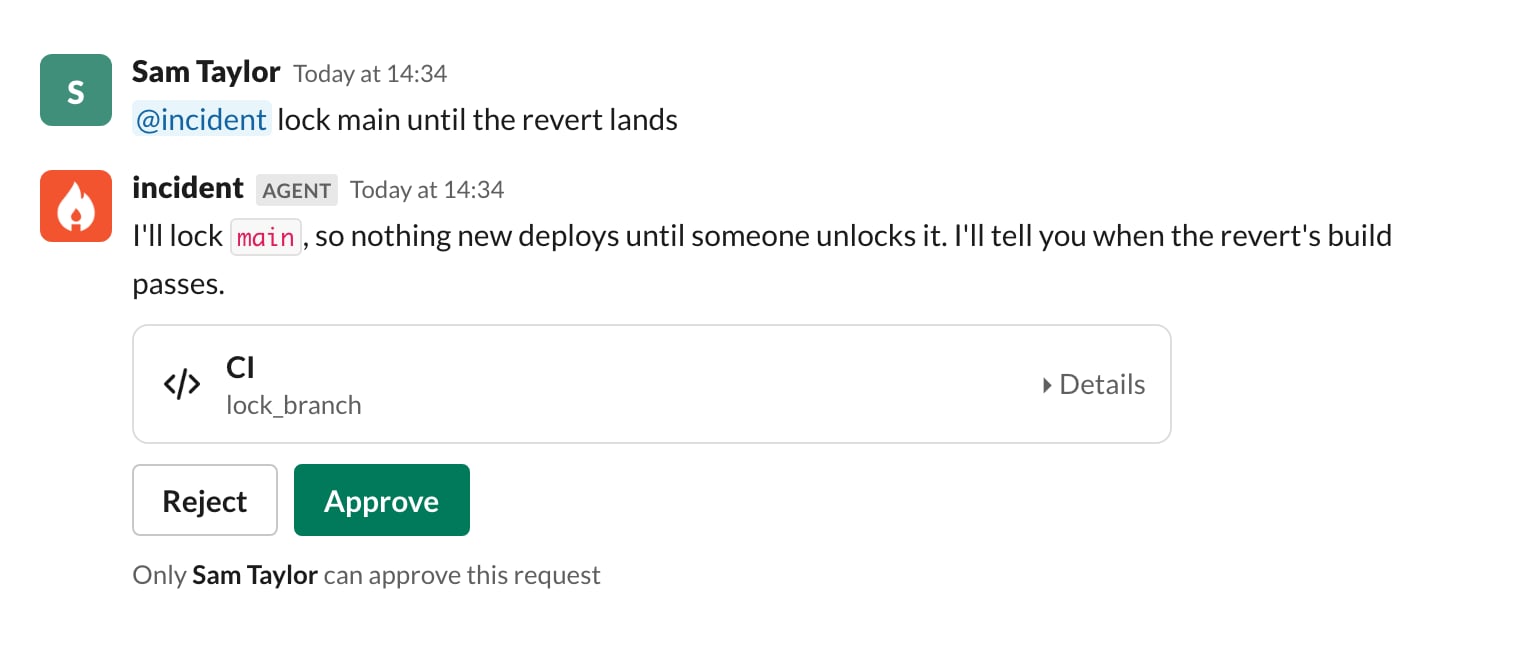
Lock main when something bad has shipped
When a bad change is out, you want to stop anything else deploying until the revert lands. The agent can lock your main branch from the incident channel, once you approve. Example connectors: your CI provider’s MCP server Example skills:deploy-freeze, covering when to lock, who to tell, and how to check the revert landed before unlocking
Example access controls: Allow reading build and deploy status. Require confirmation to lock or unlock main, and turn off via incident.io MCP for it, so main is only ever locked from an incident channel where everyone can see it.
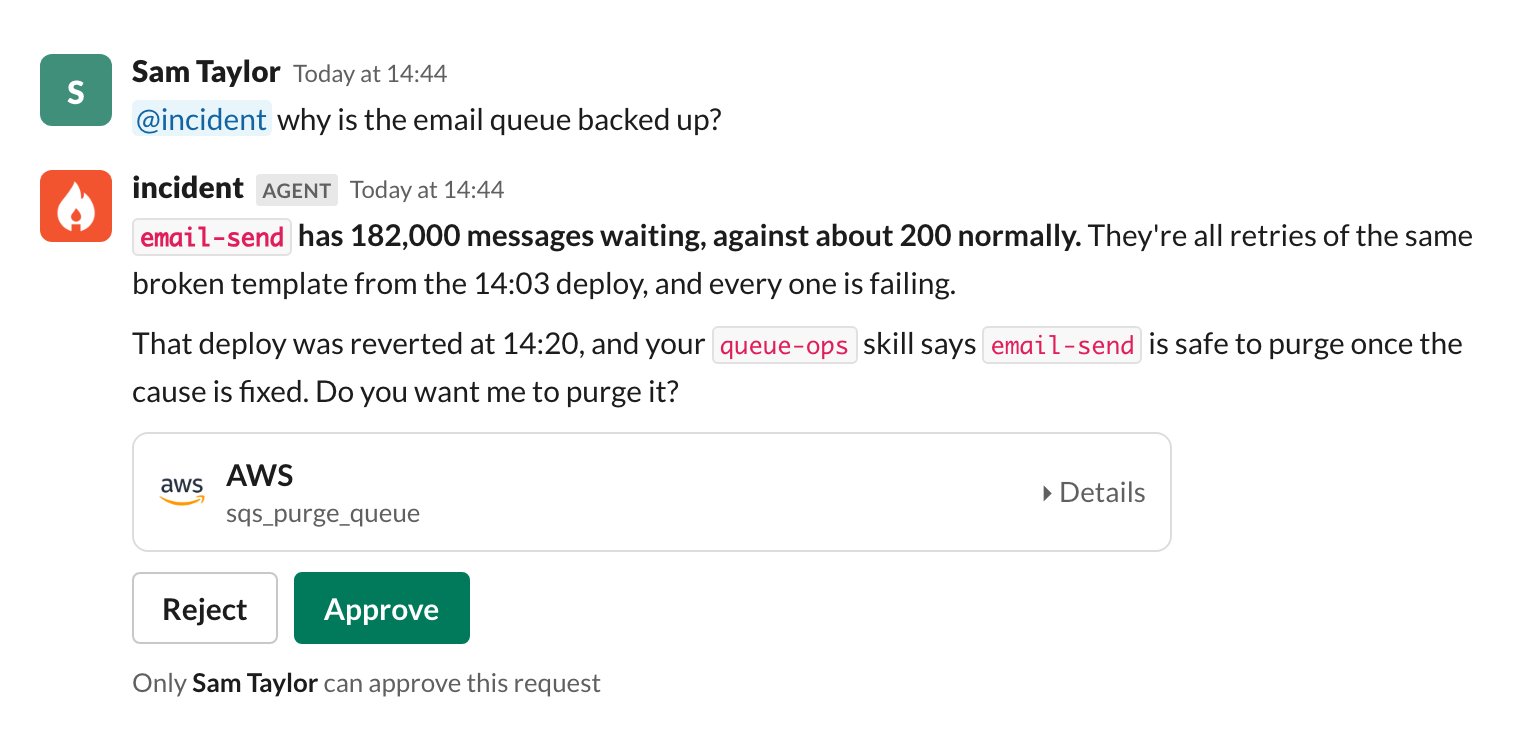
Purge a queue backlog
Fixing the cause doesn’t always end the incident. Messages that piled up while things were broken can keep failing and hold up everything queued behind them. The agent can tell you which queue is backed up and why, and purge it once you approve. Example connectors: AWS’s MCP server, with an IAM role that can read every queue but only purge the ones you list · an internal HTTP API in front of your queues Example skills:queue-ops, covering which queues are safe to purge and which must be redriven instead, what to check in the dead-letter queue first, and who owns each queue
Example access controls: Allow reading queue depth and messages. Require confirmation to purge a queue, and limit that tool to your platform team.
Block traffic from a bad IP
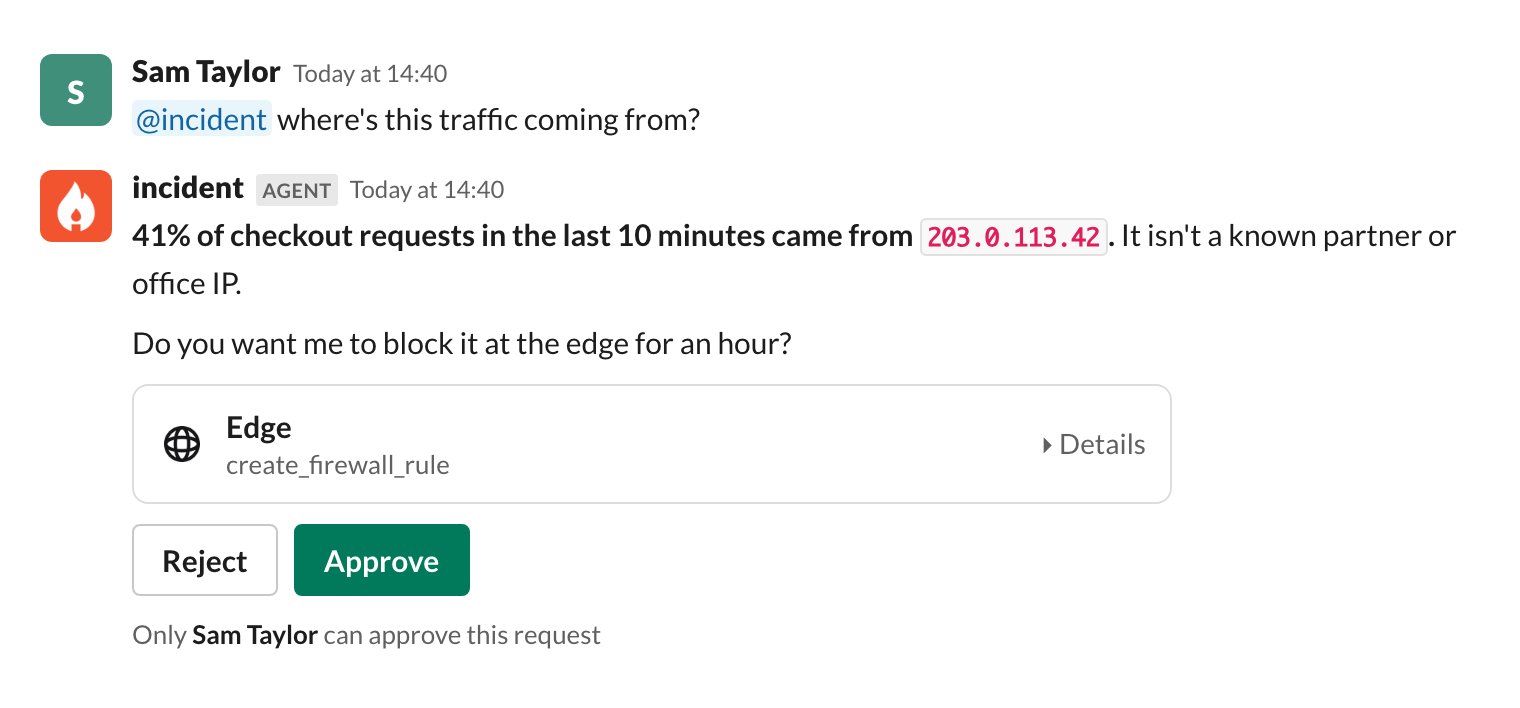
If one source is flooding you with traffic, the agent can find it in your edge provider’s analytics and propose a rule to block it. The rule only goes in once you approve. Example connectors: your edge provider’s HTTP API Example skills:blocking-traffic, covering how to tell abuse from a real spike, and default block durations
Example access controls: Allow reading traffic analytics. Require confirmation to create a block rule, and limit it to your platform team. Deny deleting rules, so the agent can add a block but never remove one you set by hand.
Getting started
- Pick a use case above, connect the system it needs, and choose which of its tools the agent can call. See Connectors.
- Write the skill with your coding agent. Install the incident.io skills plugin and run
/incident-io:extensions. It checks what you already have connected, drafts the skill with you, and confirms each file before creating it. See Adding a skill. - Test it before you merge. Your coding agent can hand the skill to a fresh agent with a realistic request, and grade what it does. See Verifying a skill before you merge.
- Each skill’s page in Extensions shows how often it’s loaded, whether the agent followed it, and whether that helped. Ask your coding agent to improve the skill from that feedback. See Improving skills over time.