How private incidents work
Previously, all incidents were run in a Teams Channel, which, while great for communication and organization across your whole team, could lead to issues if the incident was of a sensitive nature. Now, when creating a private incident, we instead use private group chats inviting only those granted access. This allows organizations to control access and visibility of an incident to a subset of specific users. Once invited into the group chat that user becomes authorized to interact and view the incident. They have access to all the same great features available in a public incident, allowing your responders to quickly and easily get on with resolving the problem and not having to worry about what they do or do not say in any discussion.Enabling private incidents
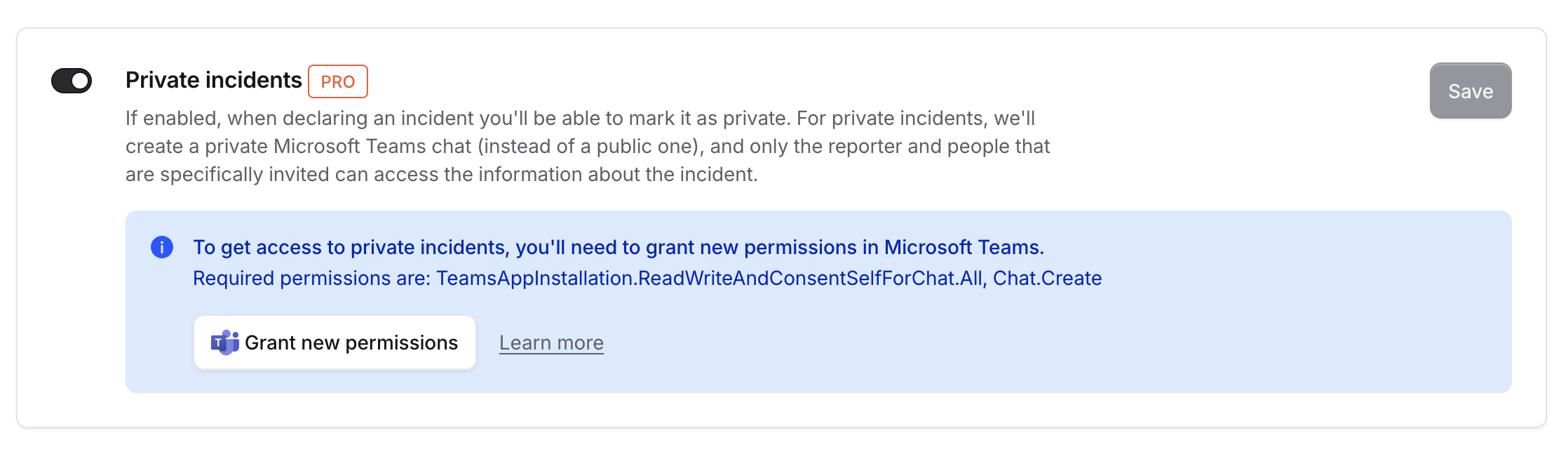
Private incidents are not enabled by default. In order to turn them on navigate to your security settings and enable Manual private incidents and escalations.

Re-authorizing your account
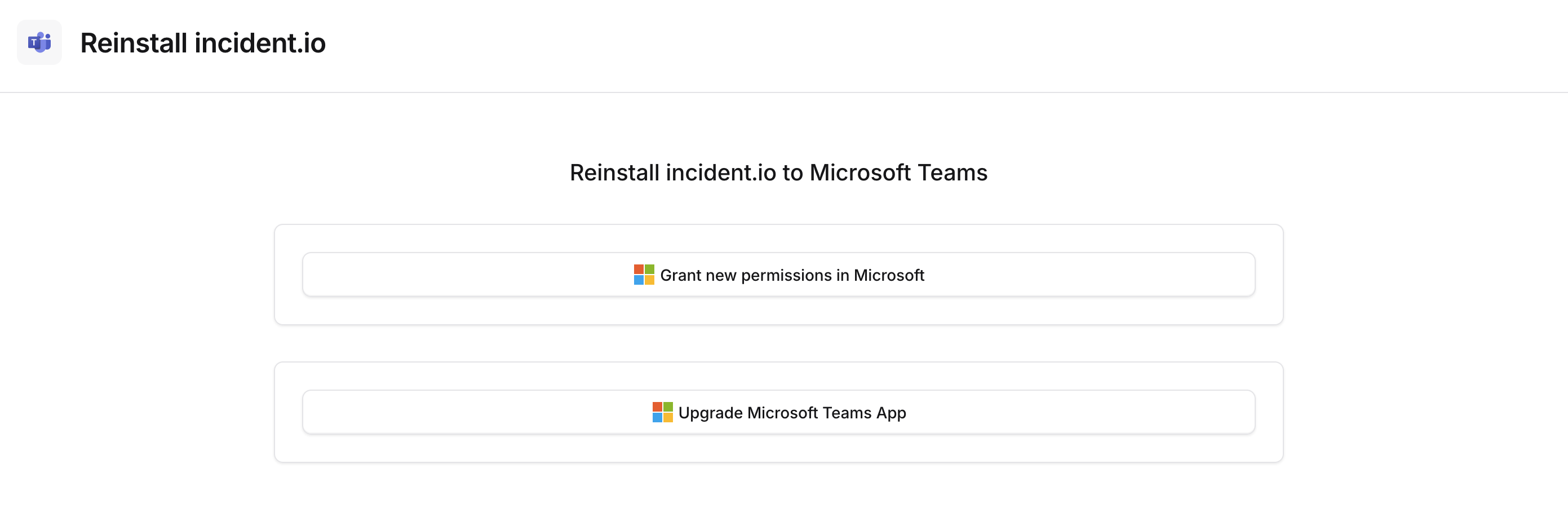
If you have previously installed incident.io you may be required to update our bot as well as re-authenticate using an admin account to add additional permissions. We need additional permissions in order to create and manage the private group-chats. To read more about the permissions we require and what we use them for see our permissions article. If this is required you will see the following notification when trying to turn on private incidents: