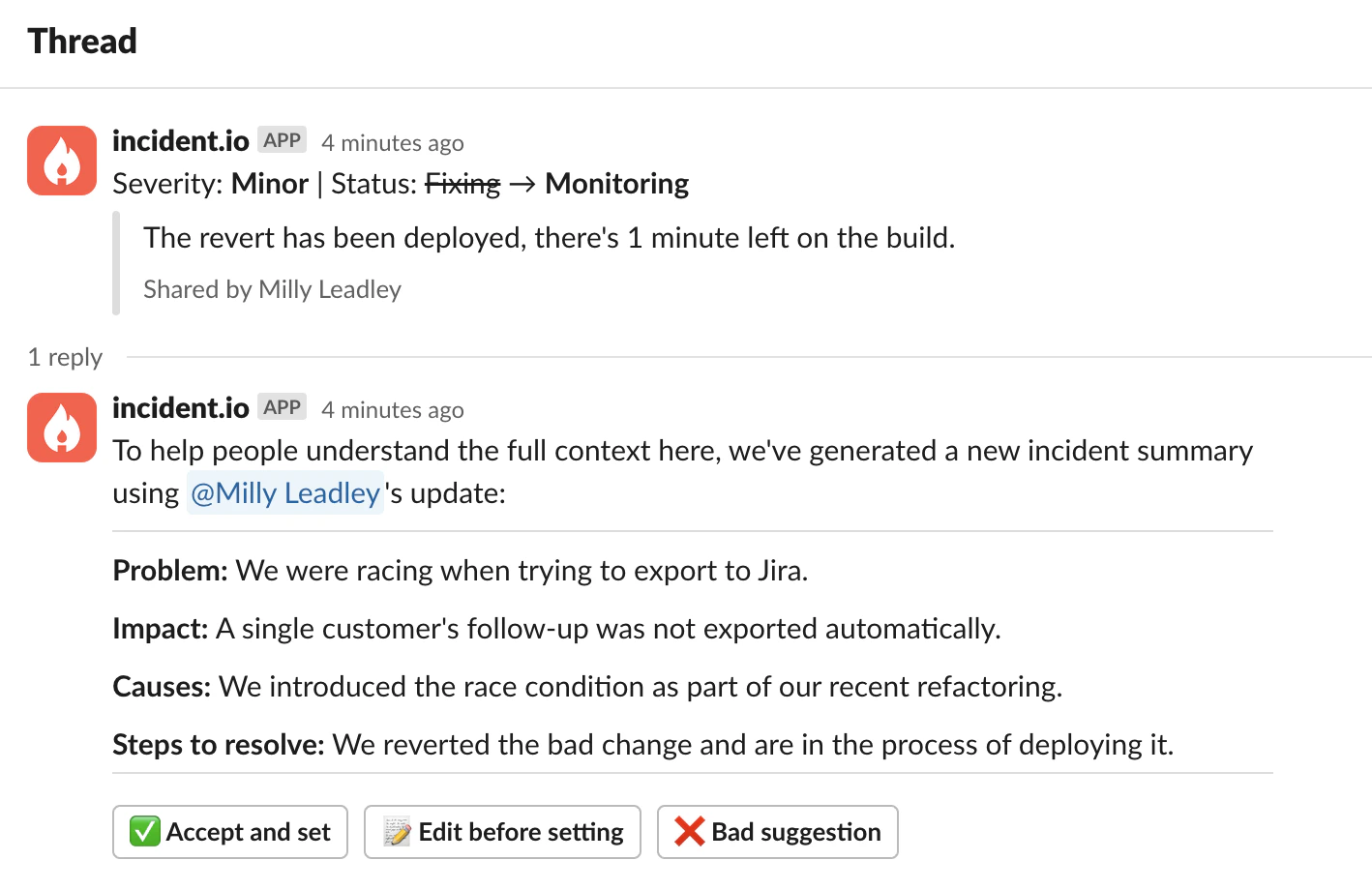
In the heat of the moment, responders don’t always have time to digest lots of information or communicate externally what’s going on. Often it’s hard to switch context and spend some precious minutes repeatedly updating summaries or statuses. This is where suggested summaries comes in.
A Slack thread where incident.io suggests a summary with Problem, Impact, Causes and Steps to resolve
sections

An example suggested summary using custom sections

We take a collection of information drawn from the incident and use AI to pull out what matters, in the format you choose. That might be a short story of the incident, a summary for stakeholders, or sections such as the problem, the impact, what caused it and the next steps. This lets you quickly confirm if the summary is accurate and edit it if you want more detail before rapidly getting on with resolving the incident. Overall, this means your incident summaries are more up to date and in a consistent format, allowing newcomers to quickly understand where the incident is and help out.

Demo

Generate button

You can also generate a summary on demand using the Generate button in the dashboard. It’s available in the summary editor and in the Resolve incident drawer.

Changing the format

Choose how summaries are written from Settings → Summaries: pick a preset or write your own instructions. See Customizing summaries and updates.

Configuration

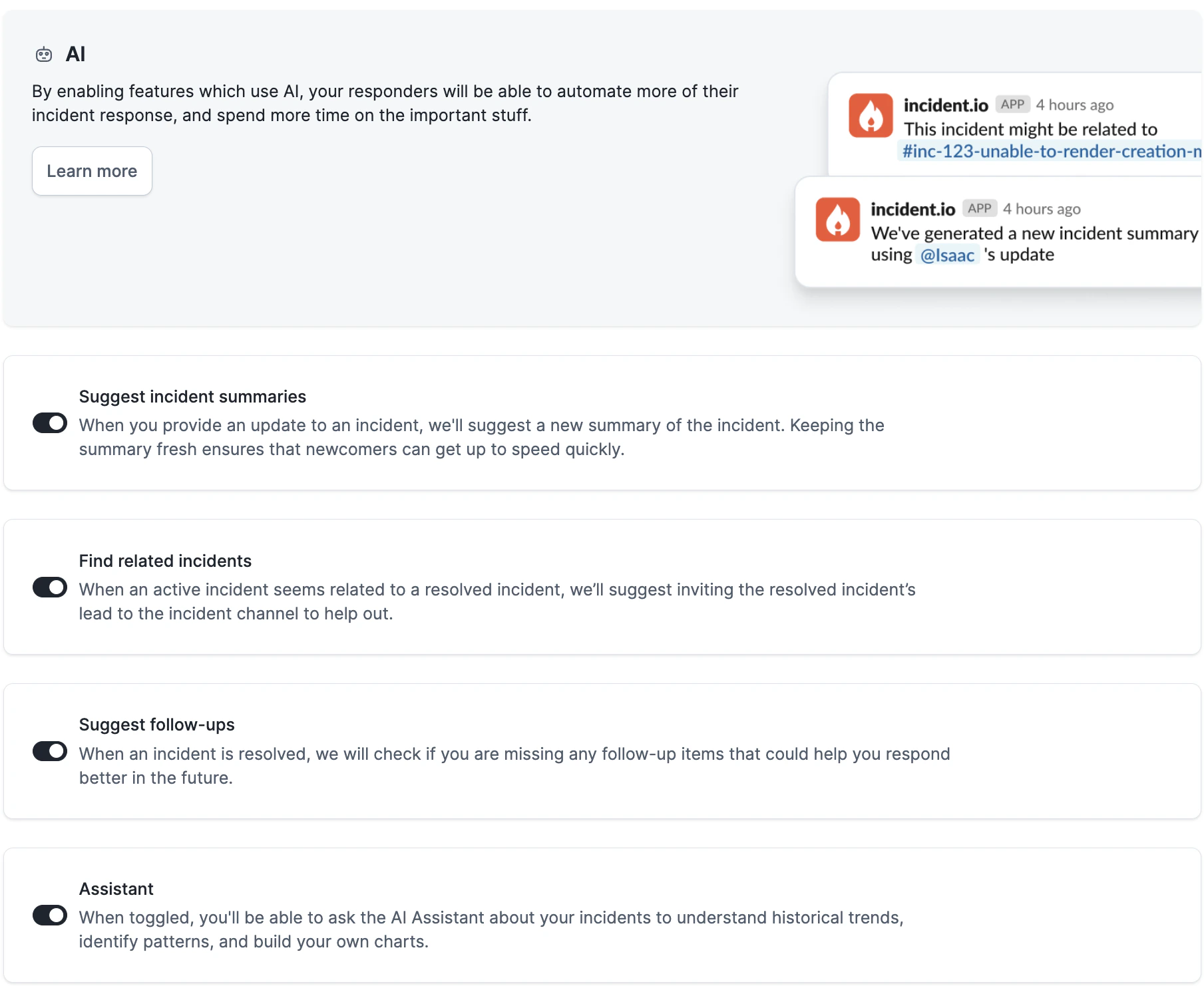
Suggested summaries are available to Team, Pro and Enterprise customers. It is “on” by default. To check if it’s enabled, head to Settings → Suggestions. The AI settings page with Suggest incident summaries turned on, alongside other AI toggles
FAQs

Please find more details in this article.