

Manually publishing an incident to your internal status page
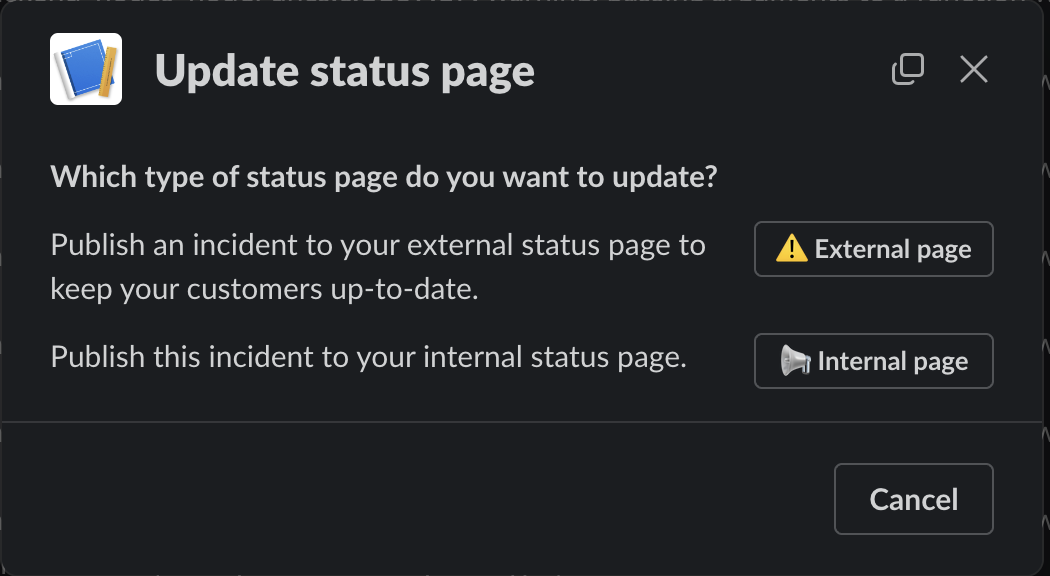
You can manually publish an incident to your internal status page using the/inc sp command from within your incident’s Slack channel.
If you have both external and internal status pages configured, you’ll be prompted to select which type of status page you want to update. Choose ‘Internal page’
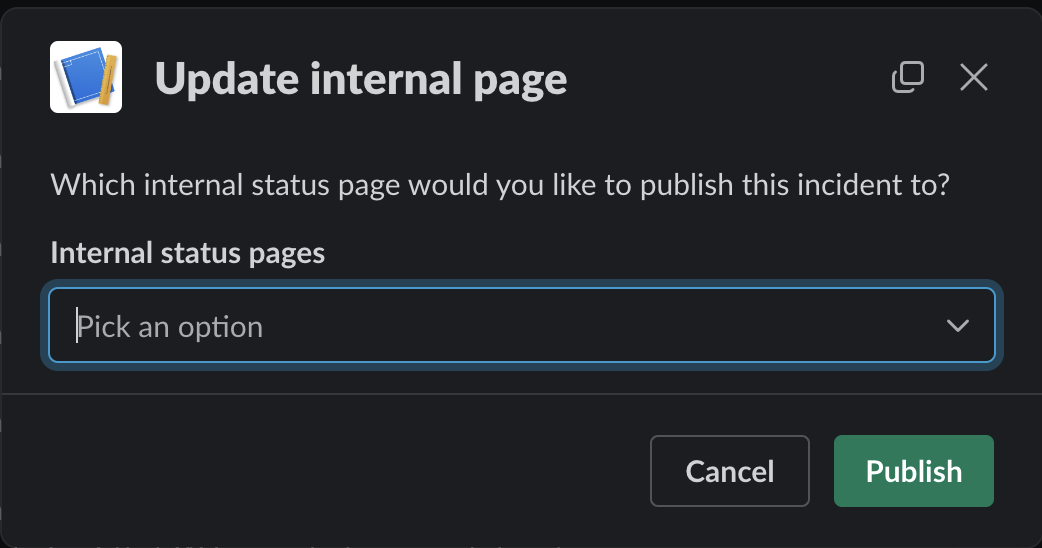
/inc update (or via the dashboard) will now appear in your status page, allowing you to get the latest updates for all ongoing incidents at a glance.
Automatically publish incidents to your internal status page
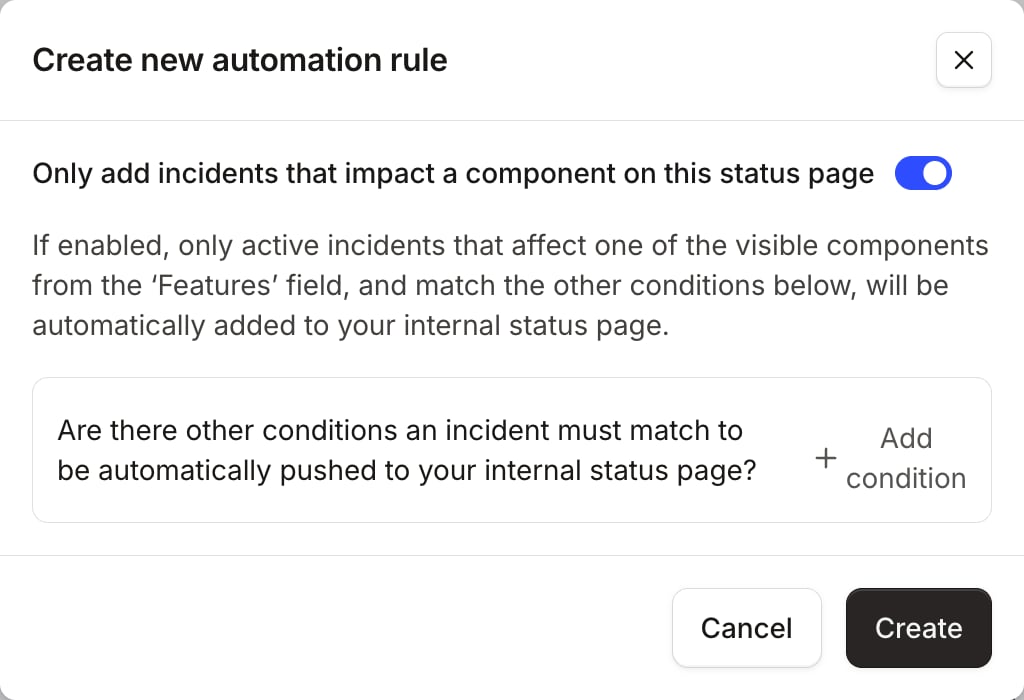
Automatically updating your status page means you can make your audience aware of problems immediately, without any need for manual intervention. Internal status pages are automatically published to by configuring automation rules. You can think of these as criteria against which your incidents should be filtered, in order to be displayed on your status page.Configuring rules
To configure automation rules, head over to the ‘Settings’ tab, and then ‘Automation’. We’ll automatically set you up a rule which means that any incidents affecting your components will be published to this internal page.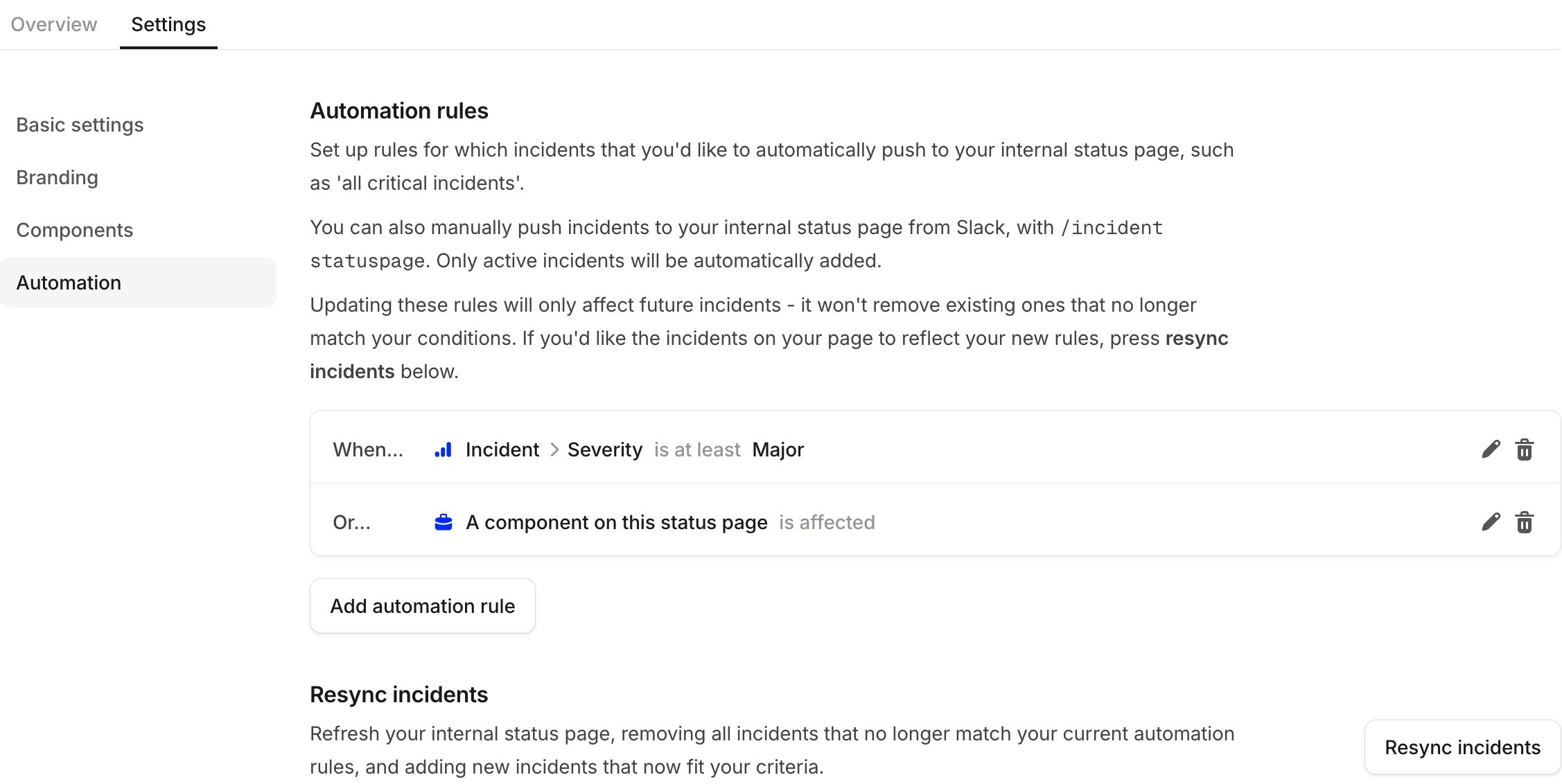
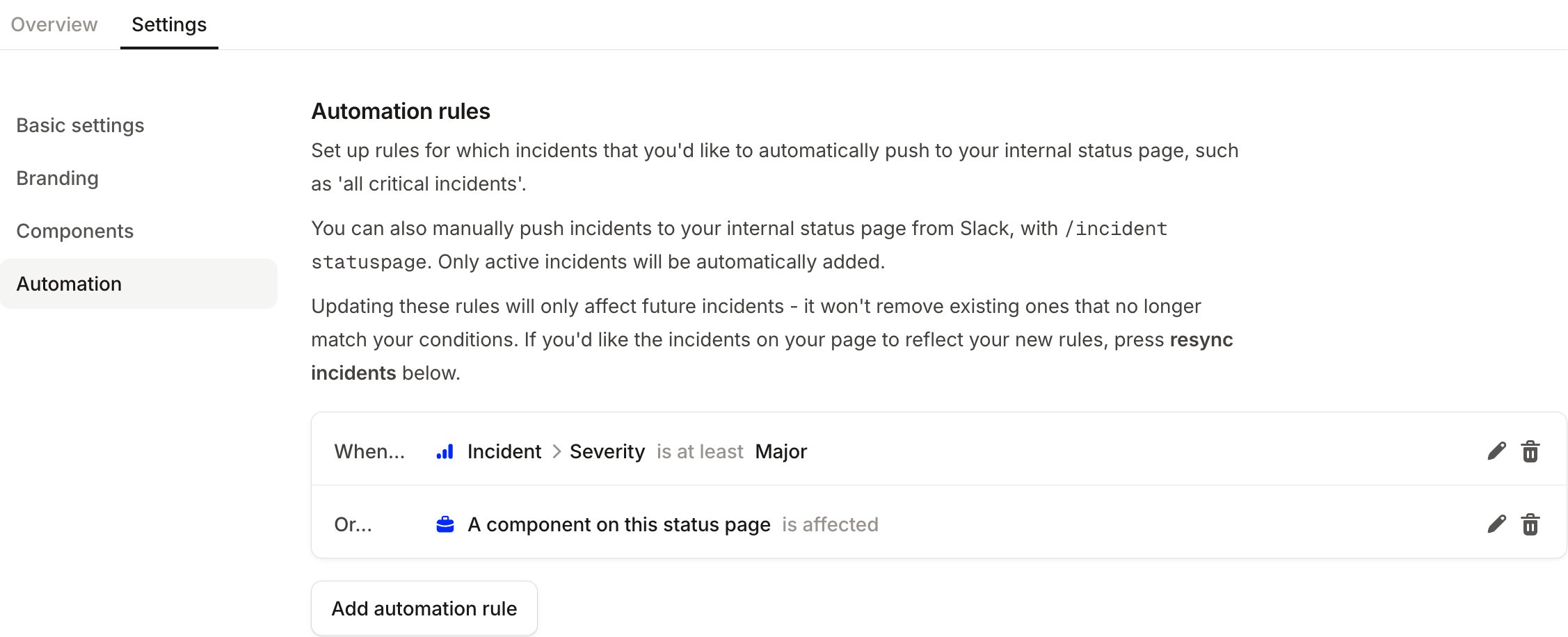
How does manual publishing affect my automation rules?
If you manually publish an incident to your status page that already matches your automation rules for the page, this will have no additional effect. Removing the incident, however, means that you will need to manually publish it again if you want it to display on your internal status page.FAQs
Will private incidents appear on my internal status page?
Will private incidents appear on my internal status page?
No. Private incidents are excluded from internal status pages. If an incident is marked as private, it won’t appear
on any internal status page — even if it matches your automation rules. To display it, you’ll need to remove the
private flag first.