

Create an alert source
- Head over to the alert sources tab within the incident.io dashboard.
- Create a new alert source and follow the steps to set it up.
- We’re going to create a custom attribute for the Team associated with this alert, which we’re going to parse from the title attribute of the alert payload.
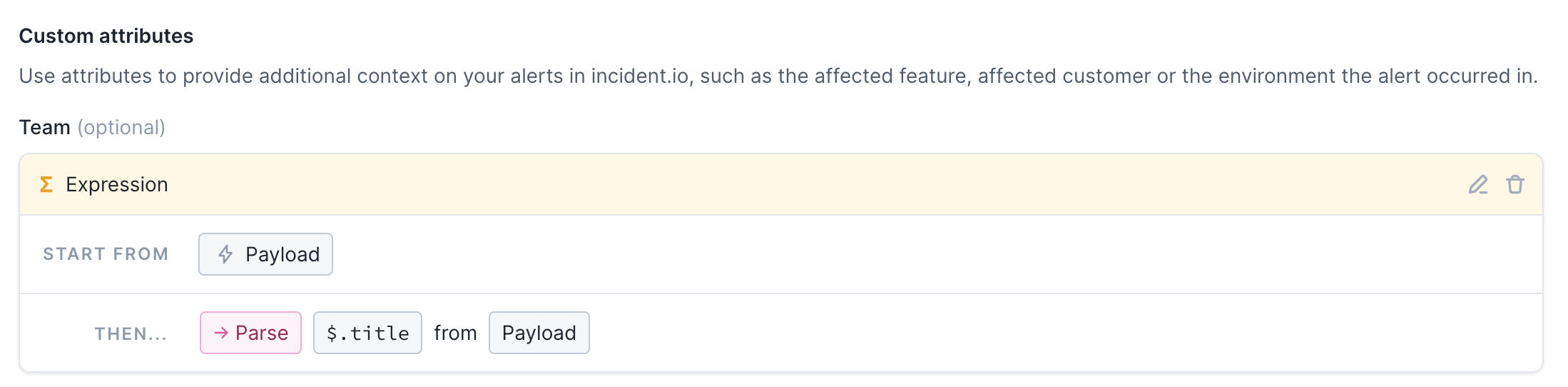
Create an alert route
- Now go to the alert routes tab and create a new alert route.
- Follow the steps to select your new alert source and choose how you want to filter and group these alerts.
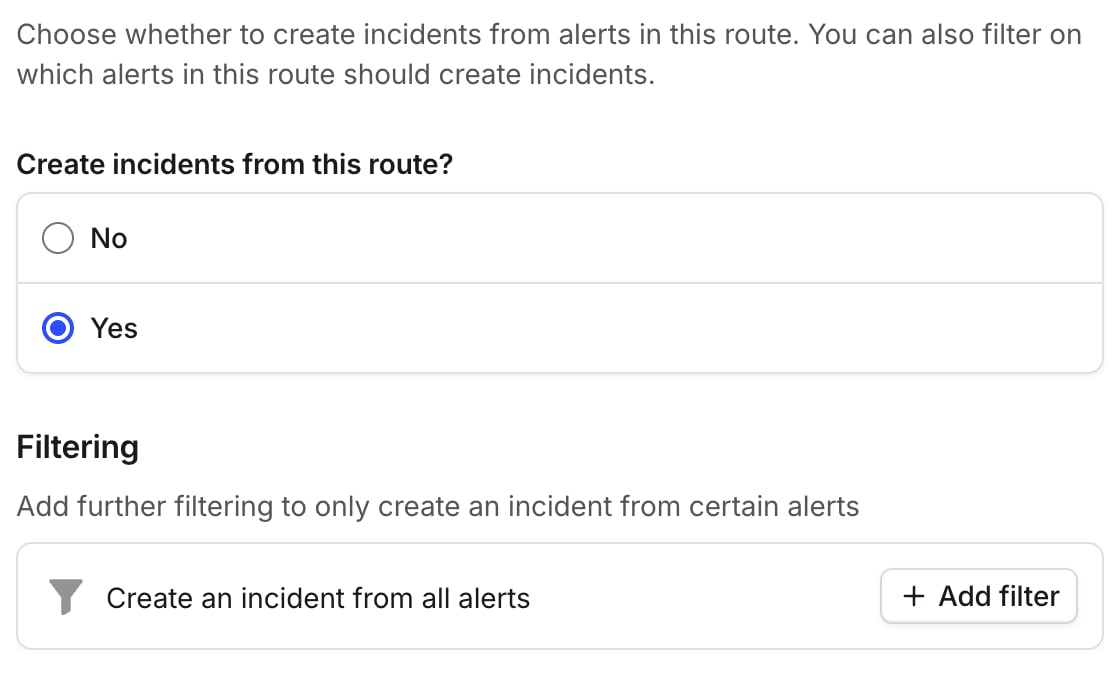
- In the ‘Create incidents’ section you can click ‘Add filter’ under ‘Filtering’ to choose the conditions under which you’d like incidents to be automatically declared.
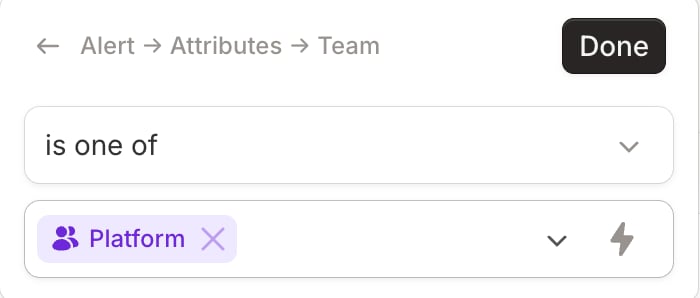
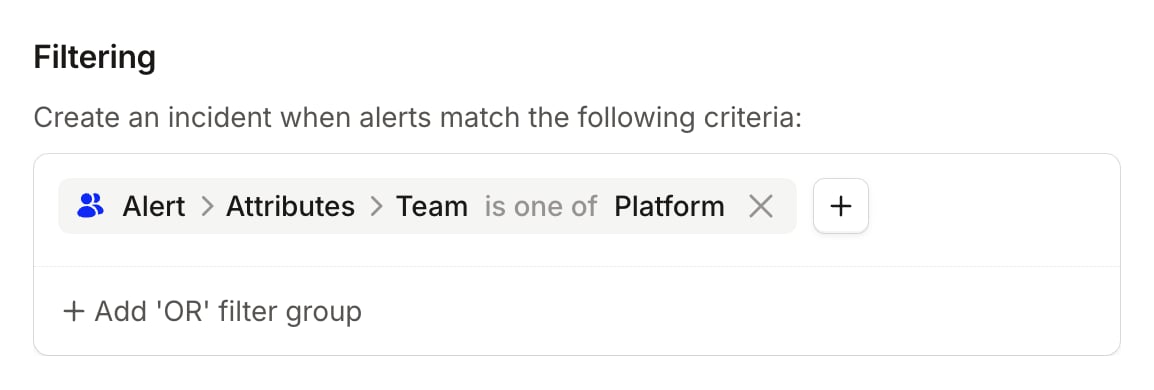
- In this case, under ‘Create an incident when alerts match the following criteria’, we’ll only declare incidents when the Team is one of the teams we’ve chosen
- Make sure to set up an escalation path so that you can still be paged for alerts that are assigned to other teams.
- Click ‘Continue’ to save your changes and create your alert route.