

Inspect the original payload
To see exactly what data we received, navigate to the alert and click “Inspect” in the overflow menu: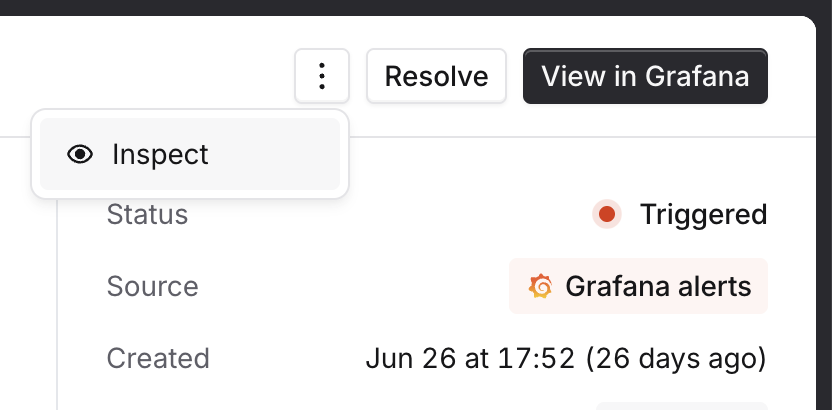
- what the original payload we received was
- what JavaScript was used to extract attributes from that payload (in case someone has changed them since the alert was received!)
- what that Javascript returned, and whether that matched any catalog types
Common issues
Unexpected payload Your alert source might not be sending the same data for all alerts, meaning that an expression that normally returns a value doesn’t return anything sometimes! This will show up in the inspector as the JavaScript returning no value. You can fix this by:- changing the configuration inside your alert source, to make sure (for example) all alerts have a
teamlabel - using
||in your JavaScript to define multiple ways of finding an attribute, for example$.metadata.team || $.labels.team
- checking the configuration inside your alert source for typos - for example
team=paymntswon’t find a team calledPayments! - using aliases in Catalog to make a single catalog entry match many different input strings - you can learn more about this here