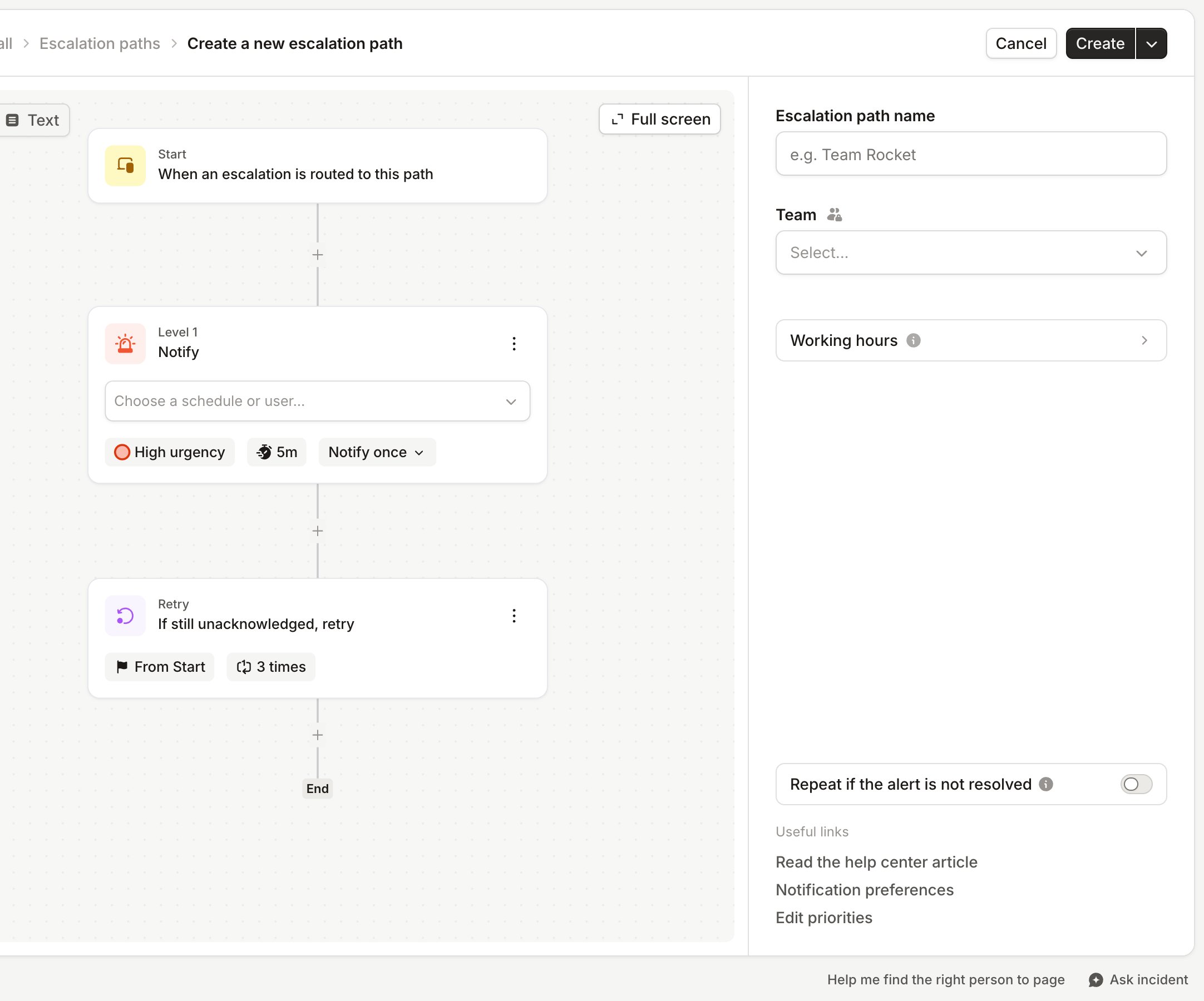
What are Escalations?
On-call schedules allow you to have the right people available when incidents happen. Escalation Paths ensure a thorough response plan if a responder can not acknowledge an incident and have the next people on line to be notified about an incident.Alert routes and escalation paths
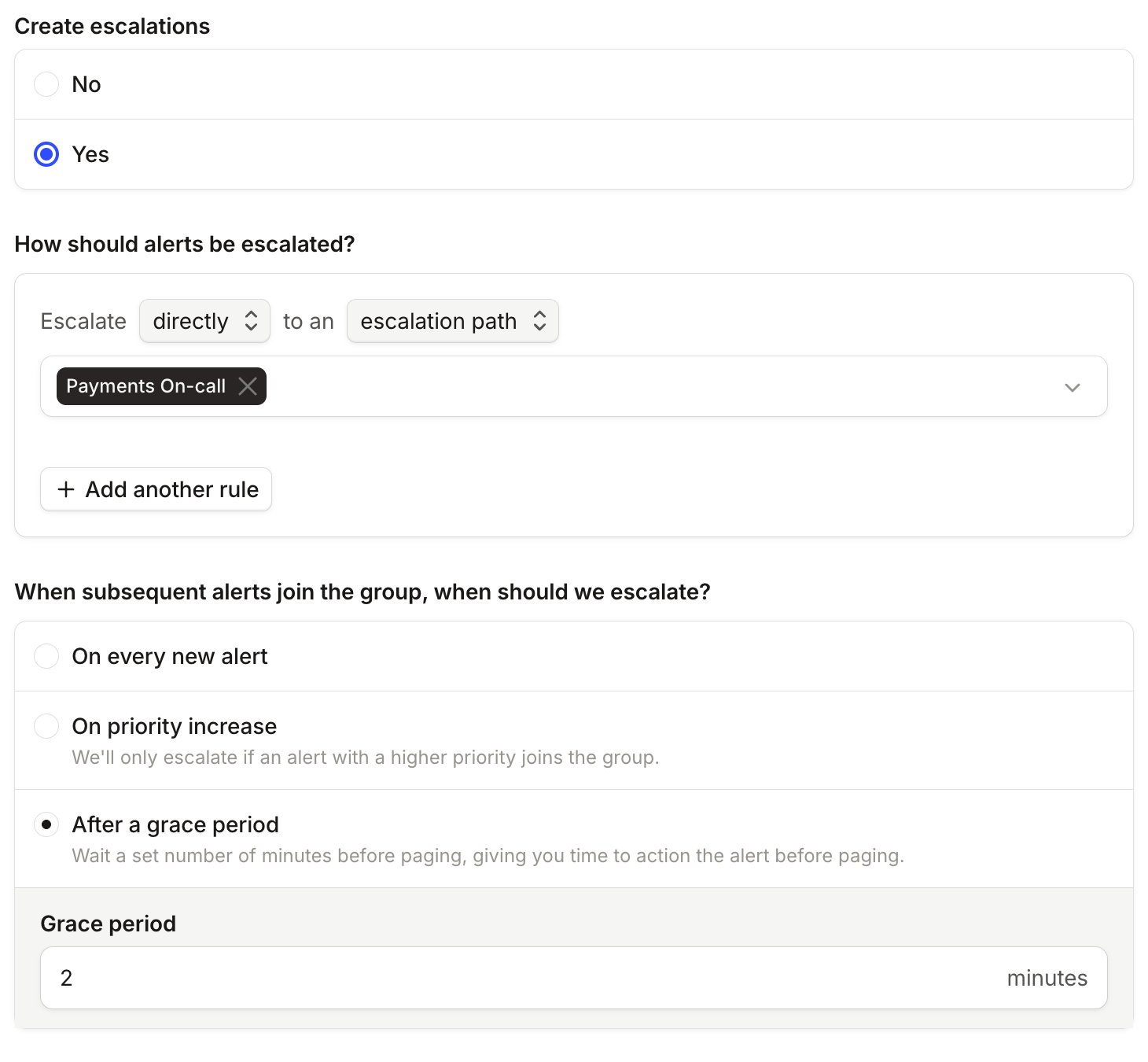
To get your alert sources, routes and escalation paths to connect, we’d recommend doing below as you’ll connect the Alert Routes to your escalation paths in the Alert Routes setting.- Connect Alert Sources
- Create Schedules
- Create Escalation Paths
- Create Alert Routes from the metadata coming from your Alert Source
- Add which Alert routes you’d like to escalate
How to set up escalation paths
To start setting up, head to Escalation Paths and create a new one. With a new Escalation path, you will be able to choose between a schedule or a user. Schedule allows you to escalate to those that are currently on-call within any given schedule. User allows you to choose specific individuals in your organization that you’d like to escalate to.