- Real-time collaboration. Several people can open the document at once, and you’ll each see your edits in real time. You’ll see who’s present in the document, and you can see where other people’s cursors are, and what they’re highlighting.
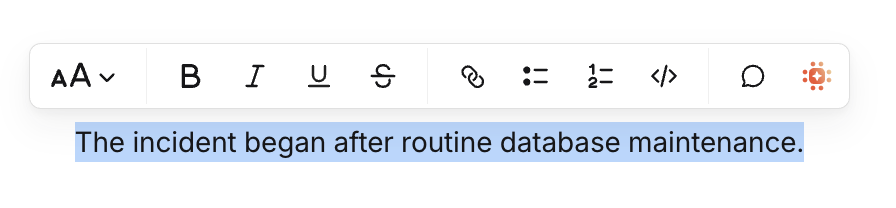
- Commenting, and replying to comments. You can highlight text in the document, and comment on it. Others can reply to your comments, and can be mentioned in comments.
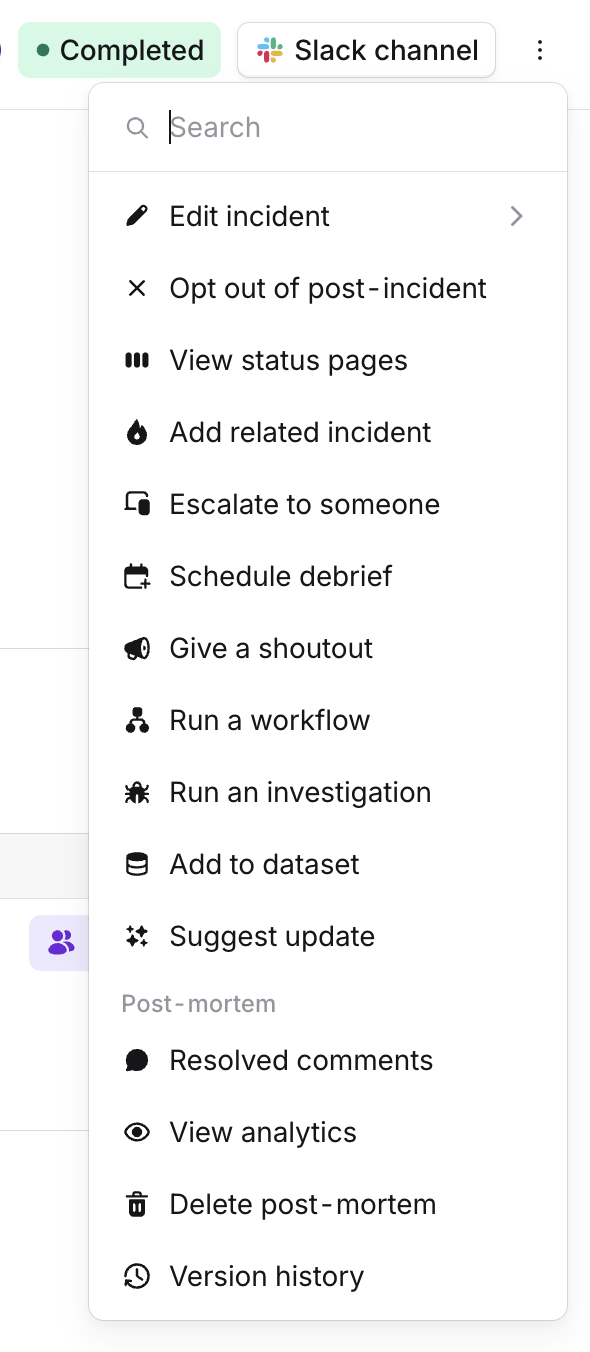
- Interacting with our integrated AI companion, asking questions and extracting information related to the incident.
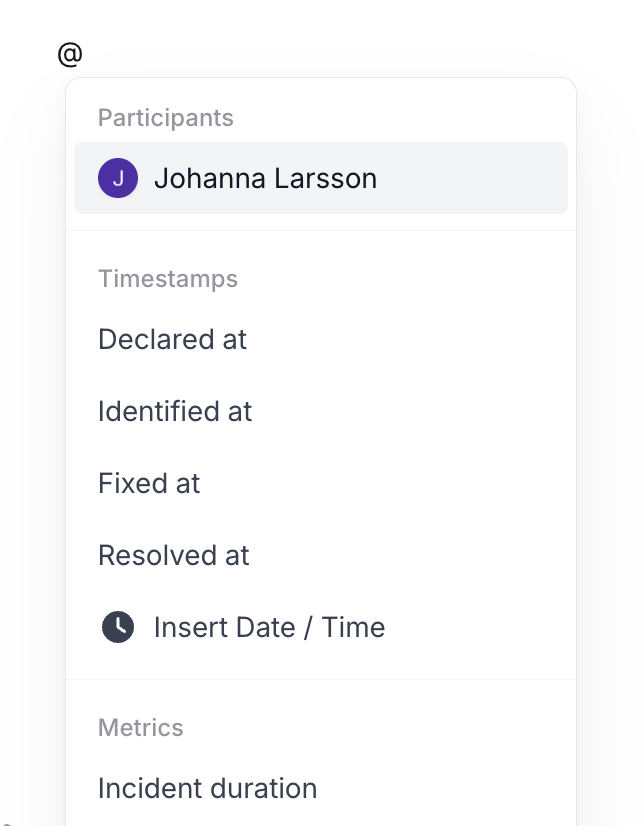
- All incident and organization related metadata at your fingertips: you can access information such as timestamps from the timeline, people involved in the incident, and custom fields associated with it, as well as the catalog, directly in the editor.
Using the new editor
The new editor is a fully opt-in experience, enabling you to introduce it to your post-incident processes at your own pace. You are able to start using it on some incidents while maintaining your existing post-mortem writing flow on others. Start by going to the Post-mortem Settings page and scrolling down to the template section. Clicking the Add Template button, you now have a new option: Duplicate existing template with collaborative editor. This will take an existing template that you use for post-mortems, and create a copy that is configured to use the new editor.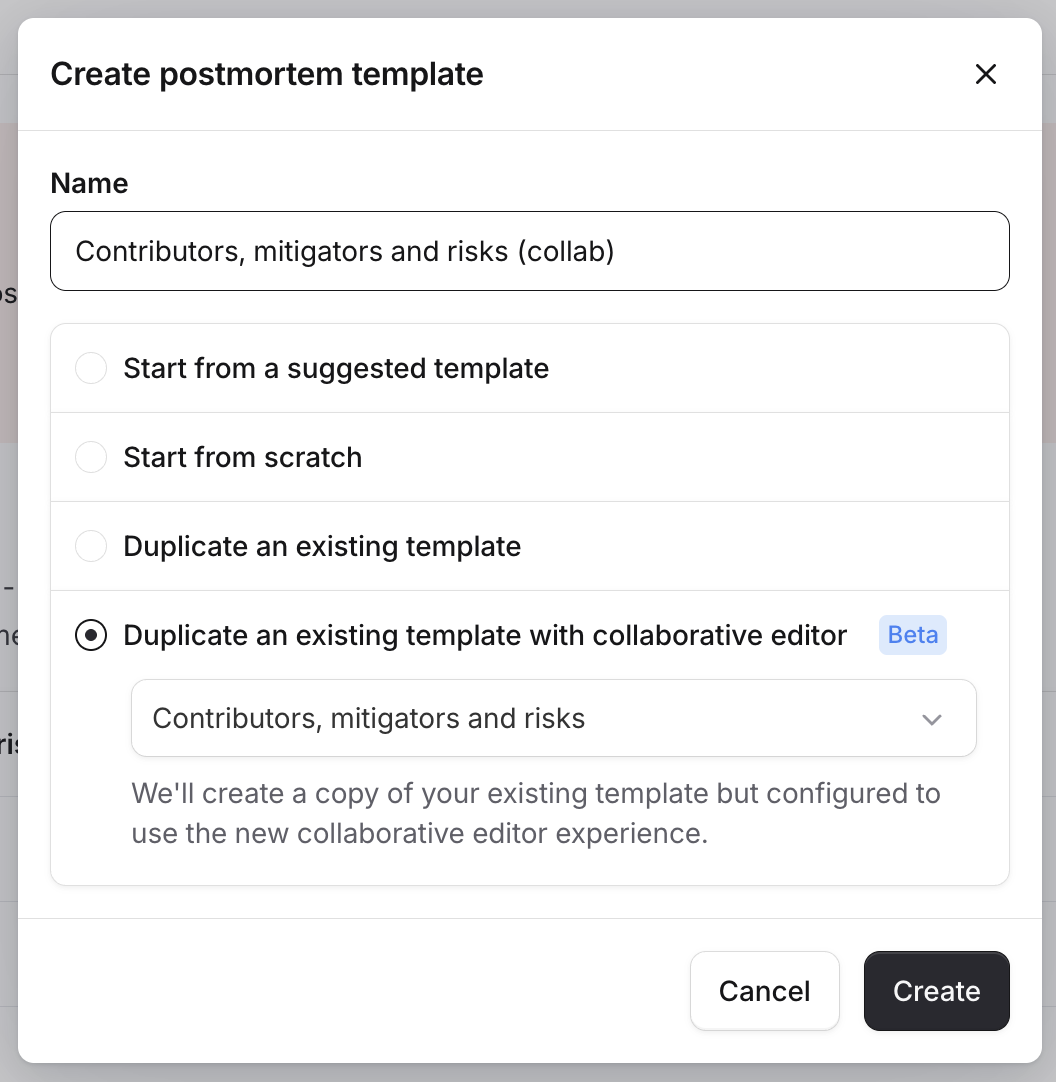
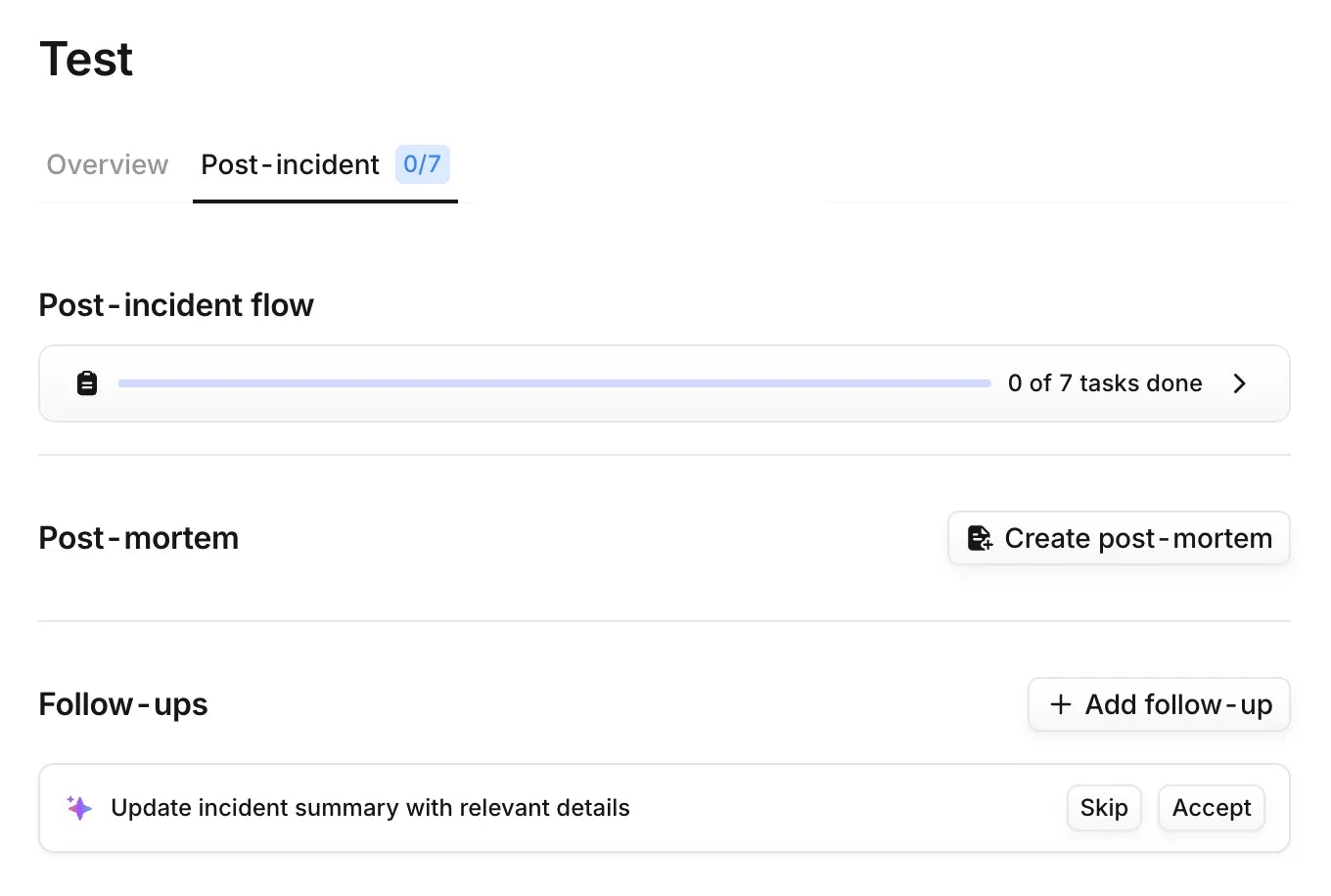
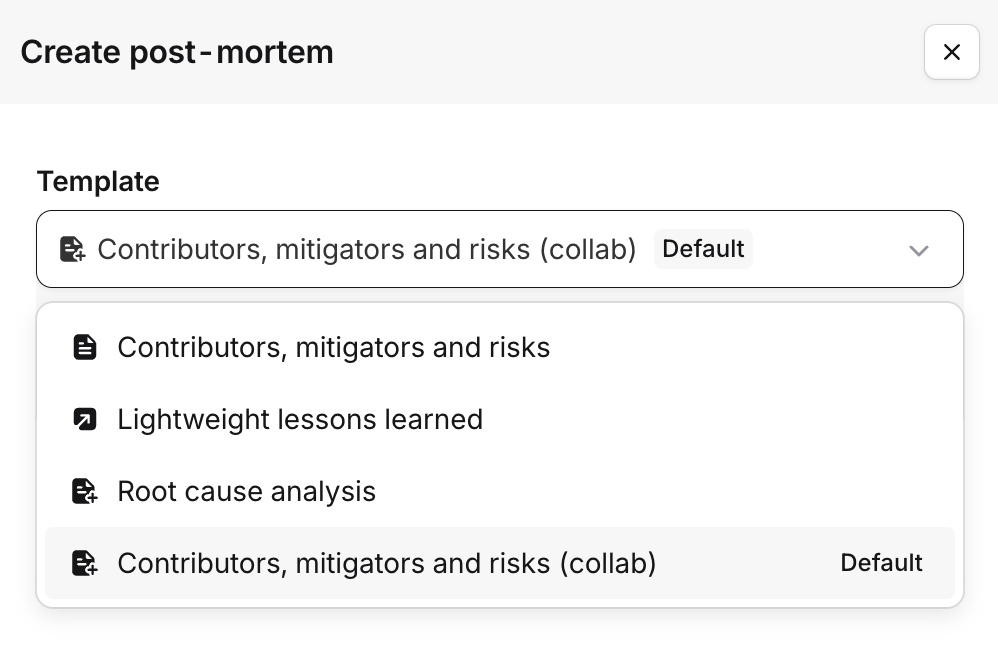
Exploring the editor
Take a moment to explore the functionality and deep integration with the rich information that you have access to in incident.io. If you have experience with Notion-style editors, you’ll feel right at home, but we’re building this to be accessible and useful to all users. You can type/ to open up the special block menu and select rich text blocks such as Callouts, Code Blocks, Images and many more.
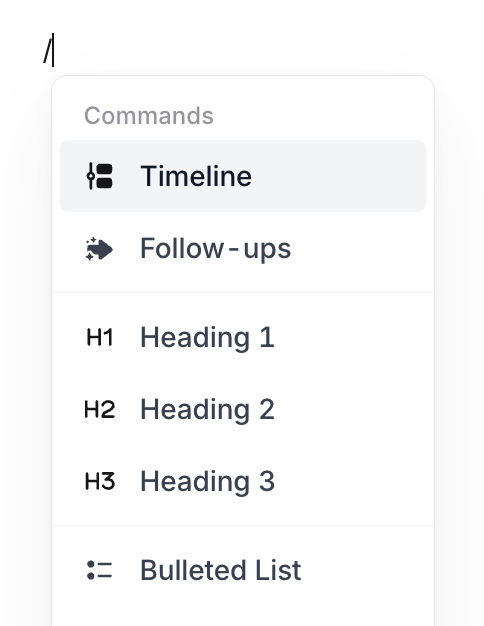
@. All of these elements are interactive, and hovering over a user mention will show additional context about the user, such as their role in the incident.