

- Send an email to senior managers when a high-revenue customer is impacted by an incident
- Add the relevant Customer Success Manager to an incident when one of their customers is impacted
- Remind an incident channel when there’s an open opportunity for a prospect that might be impacted by an incident
Setting Up
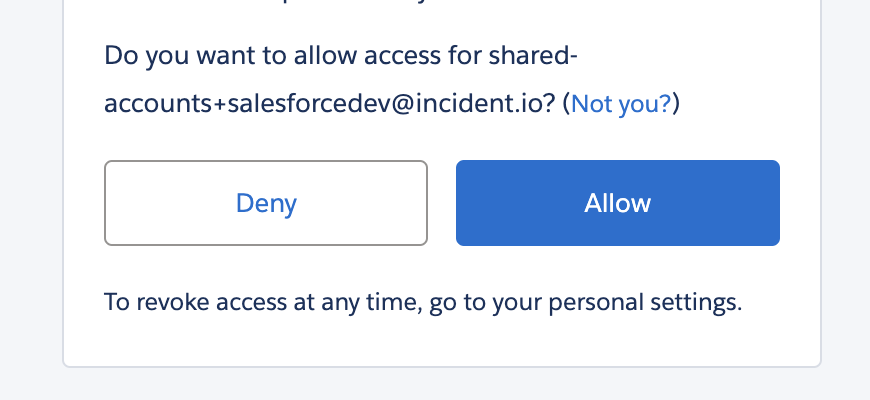
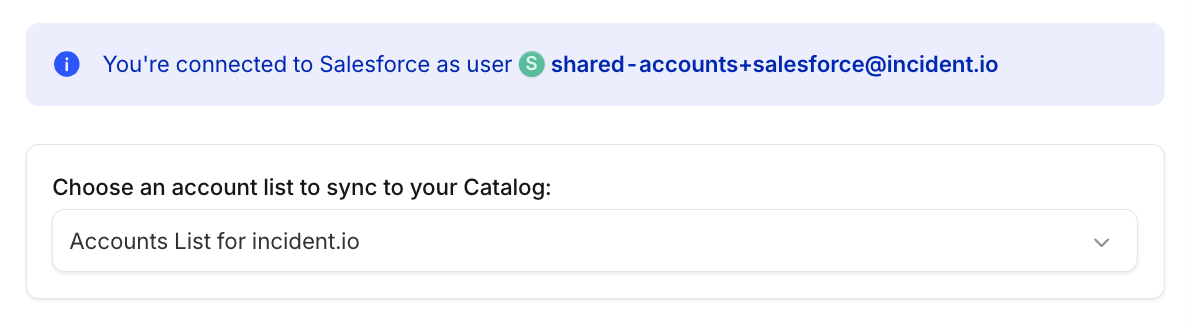
- Go to Settings → Integrations → Salesforce
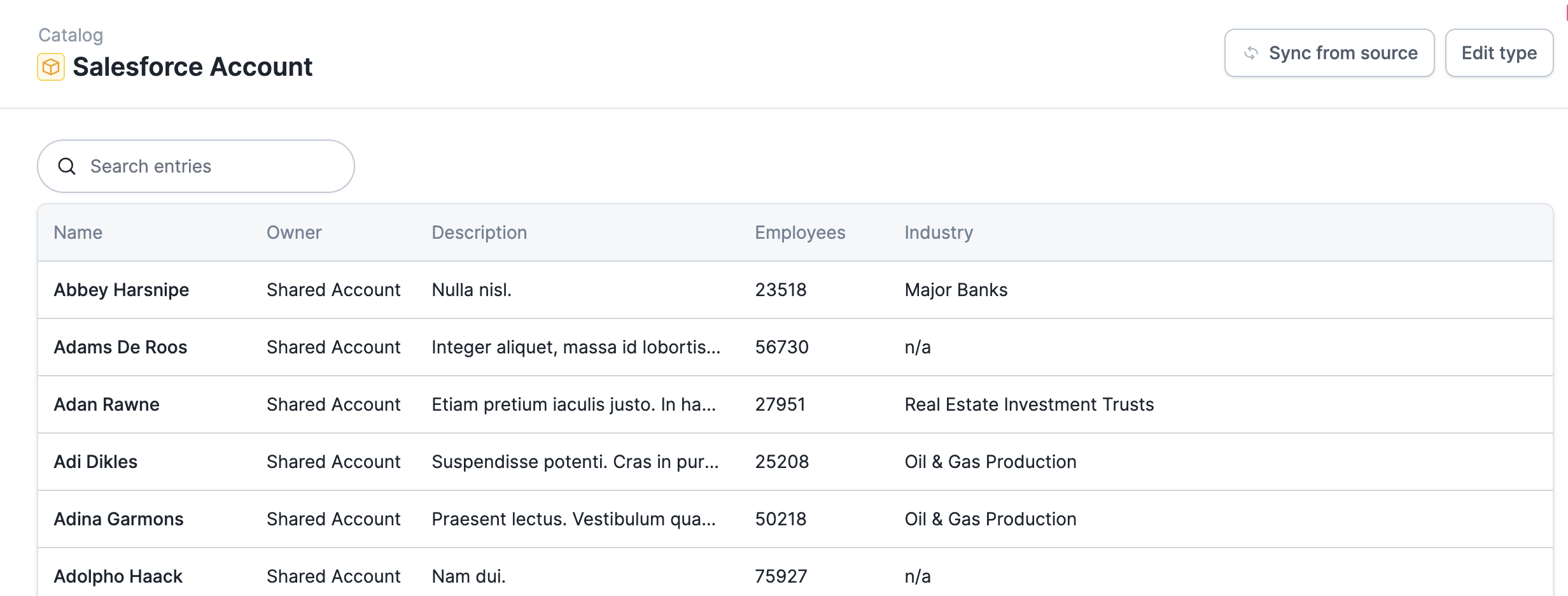
- Name
- Owner
- Description
- Employees
- Industry
Adding more Salesforce objects and fields
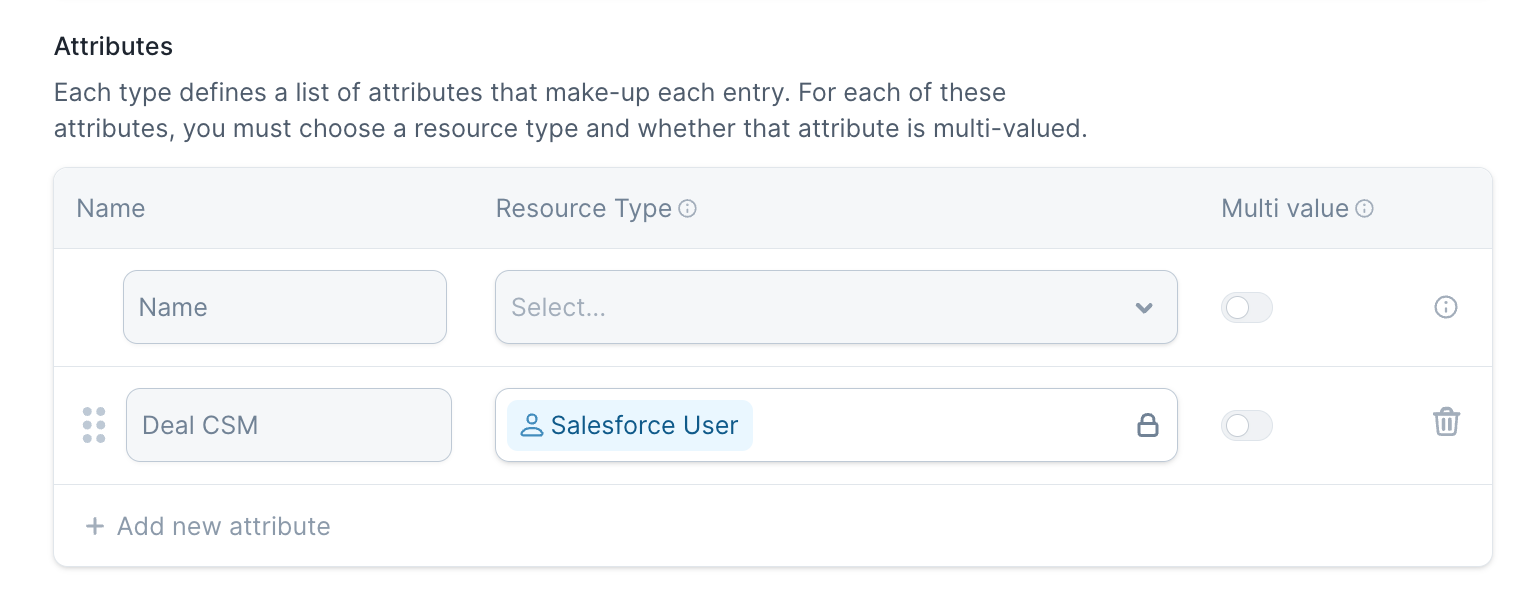
Once you’ve set up the basic Salesforce integration, you can choose to add Salesforce custom fields, as well as more Salesforce objects like Contact or Opportunity. Salesforce object types now appear on their own once the integration is connected. Open Settings → Integrations → Salesforce and check the Catalog Types list in the drawer to see which types you have: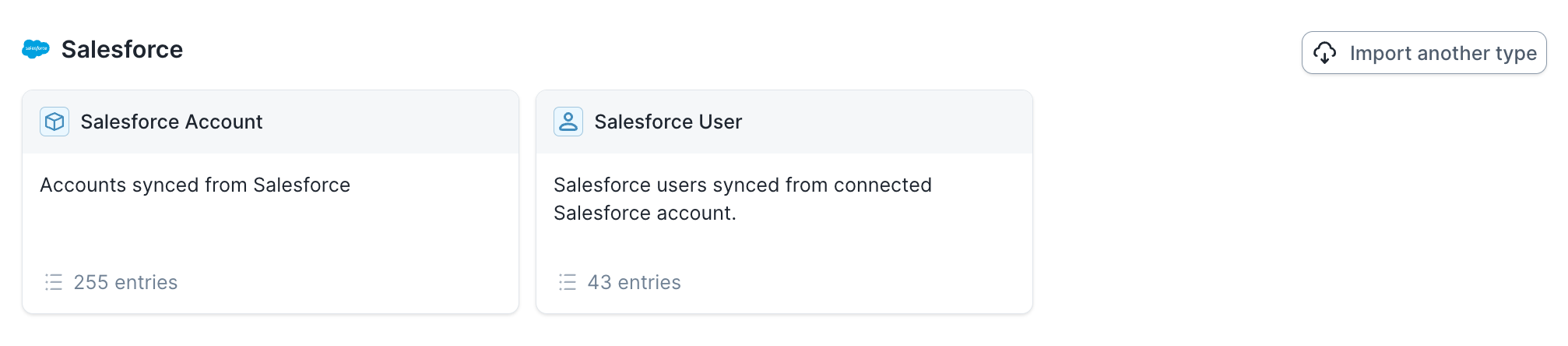
Salesforce Service Cloud
We’re launching an app for Salesforce Service Cloud that lets support agents view active incidents and link cases to
incidents directly inside Salesforce. Reach out to your account team to get started.