If you encounter a sign-in error while trying to set up incident.io with Microsoft Teams, try the following steps:
  1. Go to portal.azure.com
  2. Go to “Enterprise applications”
  3. Find the incident.io app
  4. Check the “Sign-in logs” and “Access reviews” sections for information about why the sign-in failed. Your admin may be able to help you fix these issues, and the information here can help us figure out what’s wrong
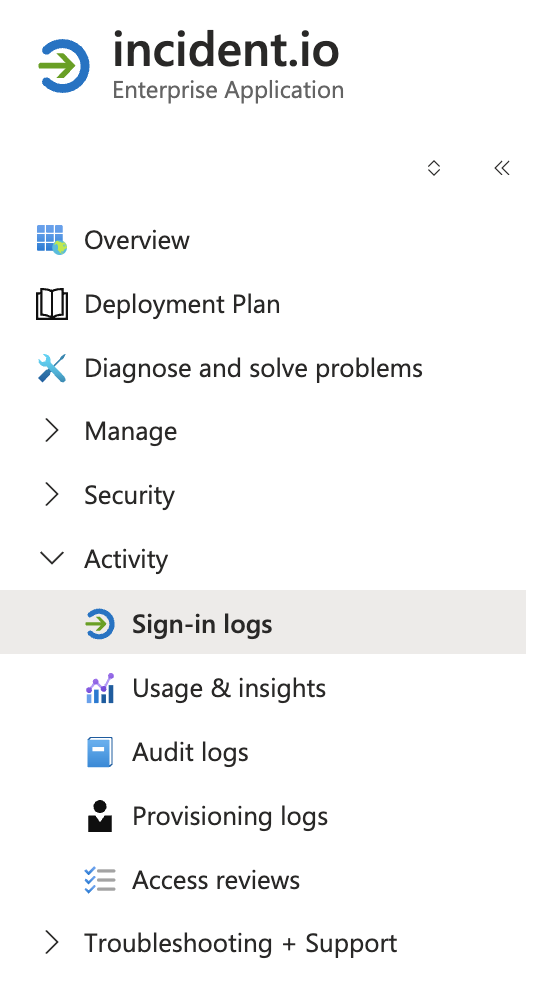
If those steps don’t help, go to the “Diagnose and solve problems” section in the sidebar and use the correlation ID from the error to diagnose the problem. In the case that these steps don’t help to resolve the problem, reach out to your support contact for more help.