> ## Documentation Index
> Fetch the complete documentation index at: https://docs.incident.io/llms.txt
> Use this file to discover all available pages before exploring further.
# Linear
Using Linear to track your team's tasks? Using Linear to *triage* your team's tasks?
This is how you can export [your incident to-dos](/incidents/task-tracking) to Linear to keep everything centralized, *and* automatically assign tasks according to your [incident schedules](/on-call/building-schedules).
***
## What we can do with Linear
### Assign triage tickets automatically
If you use [On-call](https://incident.io/on-call) with incident.io, you can combine this with [Linear's Triage functionality](https://linear.app/docs/triage) to automatically action triage tasks to who is currently on call on your incident.io schedules.
### → Exporting follow-ups
1. **Export** [your incident follow-ups](/post-incident/follow-ups) to Linear;
2. **Sync the status of your tasks between Linear and incident.io**, so you can work in Linear without worrying about updating statuses manually in incident.io!
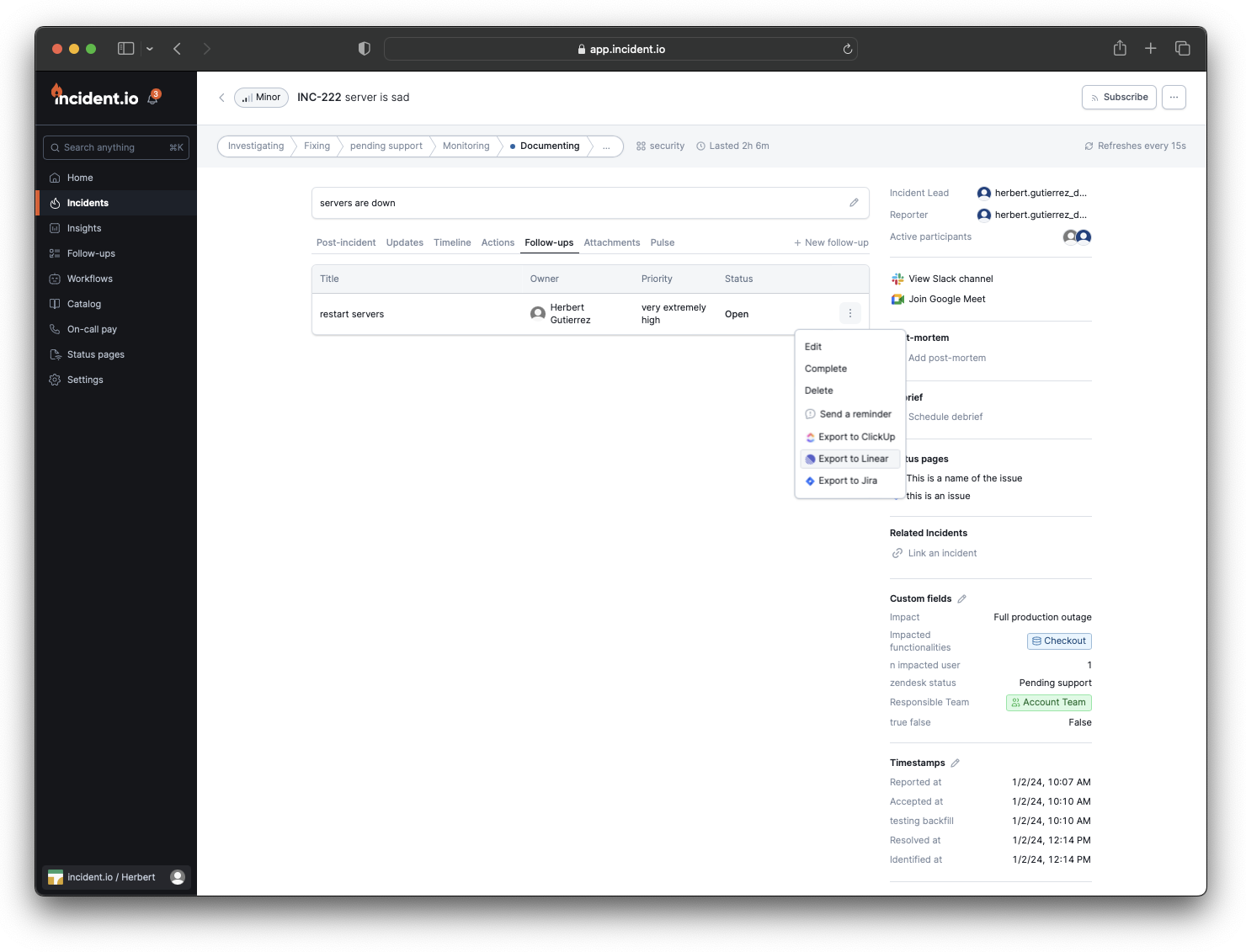 3. **Bulk Exports through the Follow-ups tab.**
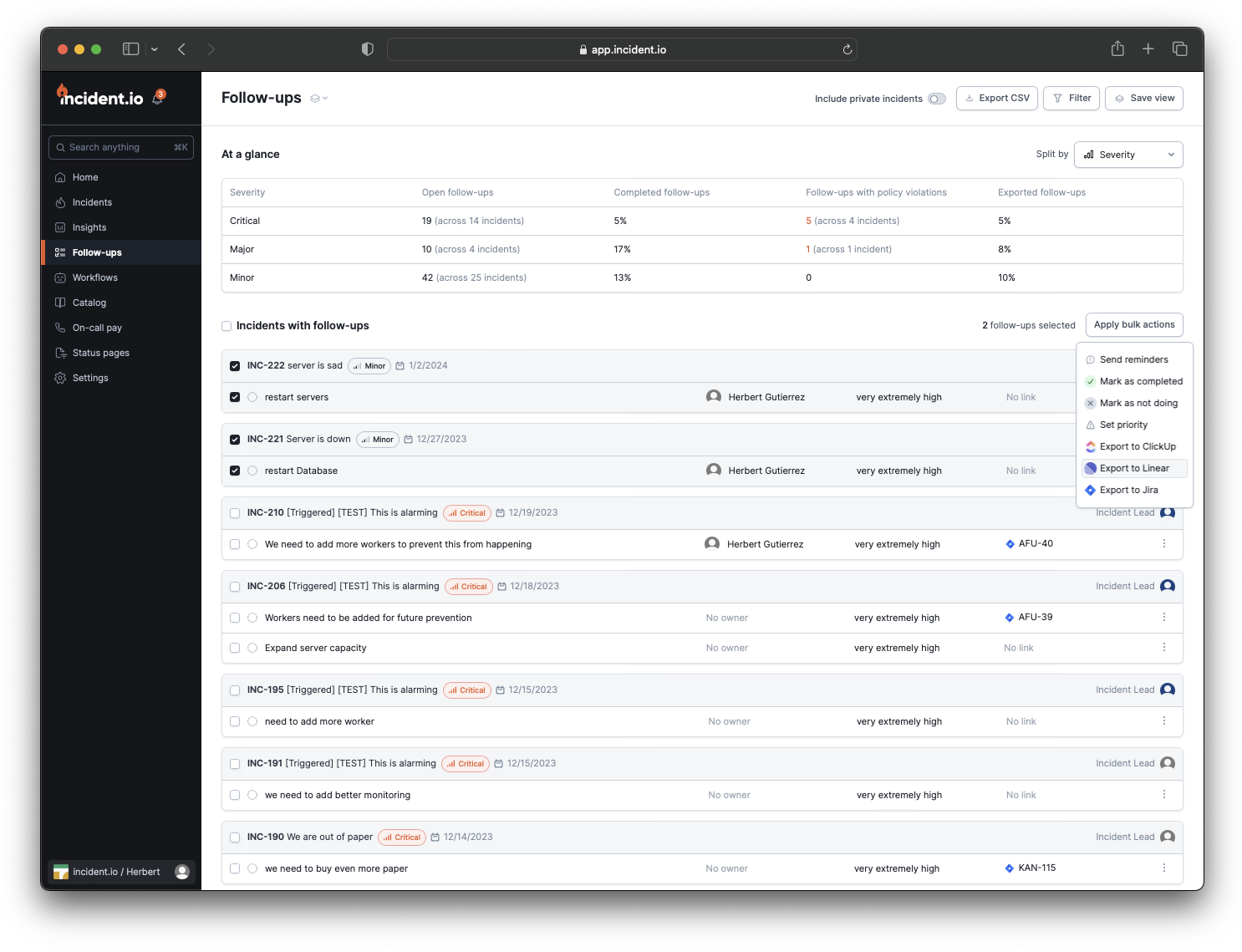 4. **Export templates,** this enables you to pre-set values to fields that can be used when exporting follow-ups.
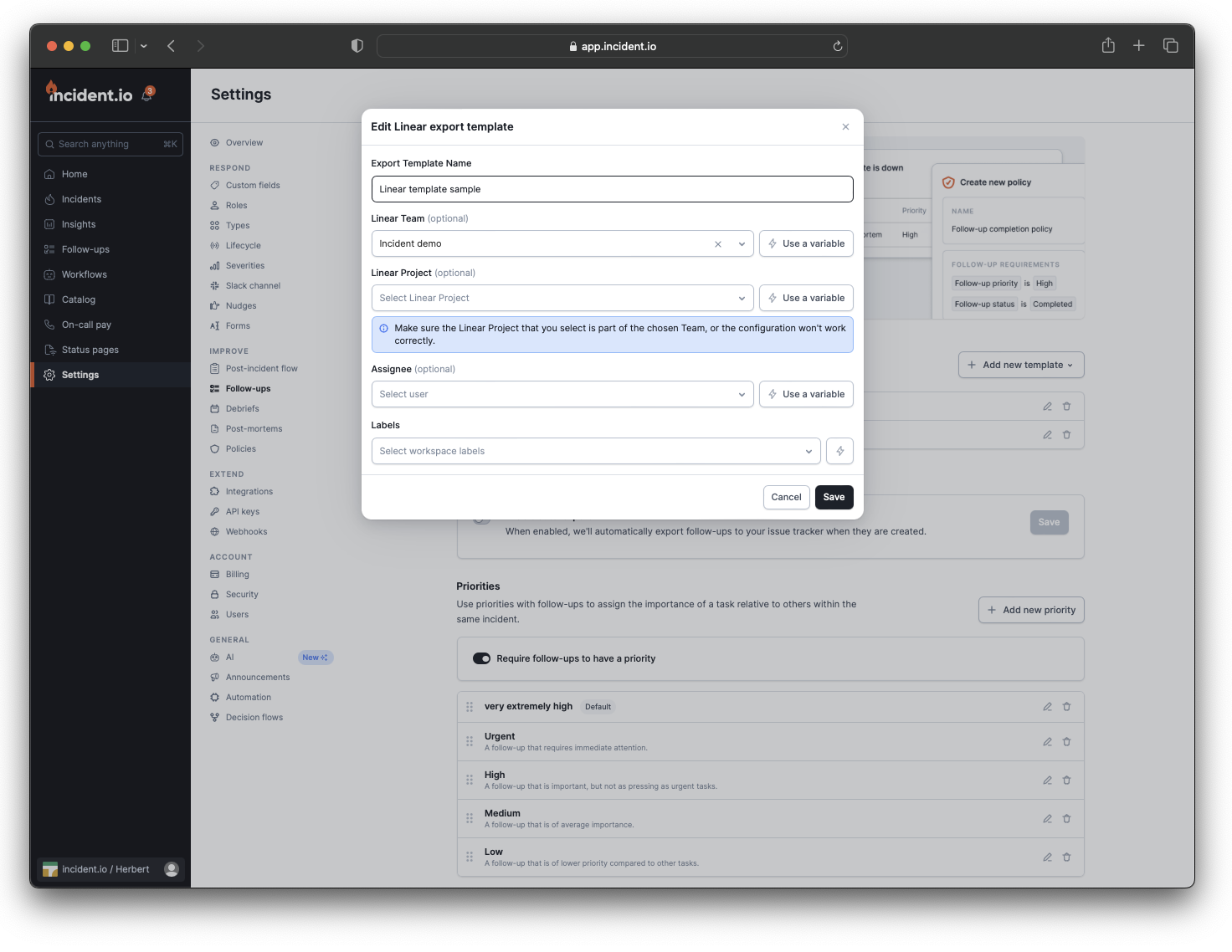 5. **Auto-exports to Linear,** you can automate the export process of follow-ups based on certain incident criteria, such as severity, and specific custom fields such as responsible teams
... [get in touch](http://incident.io/community) to give us your wishlist!
### Create incident tickets in Linear
You can create incident tickets in Linear, keeping a record of your incidents alongside your team's other work. Incident status can be synced to the Linear ticket using expressions in your template configuration.
***
## Setting Up
Adding Linear to incident.io is simple.
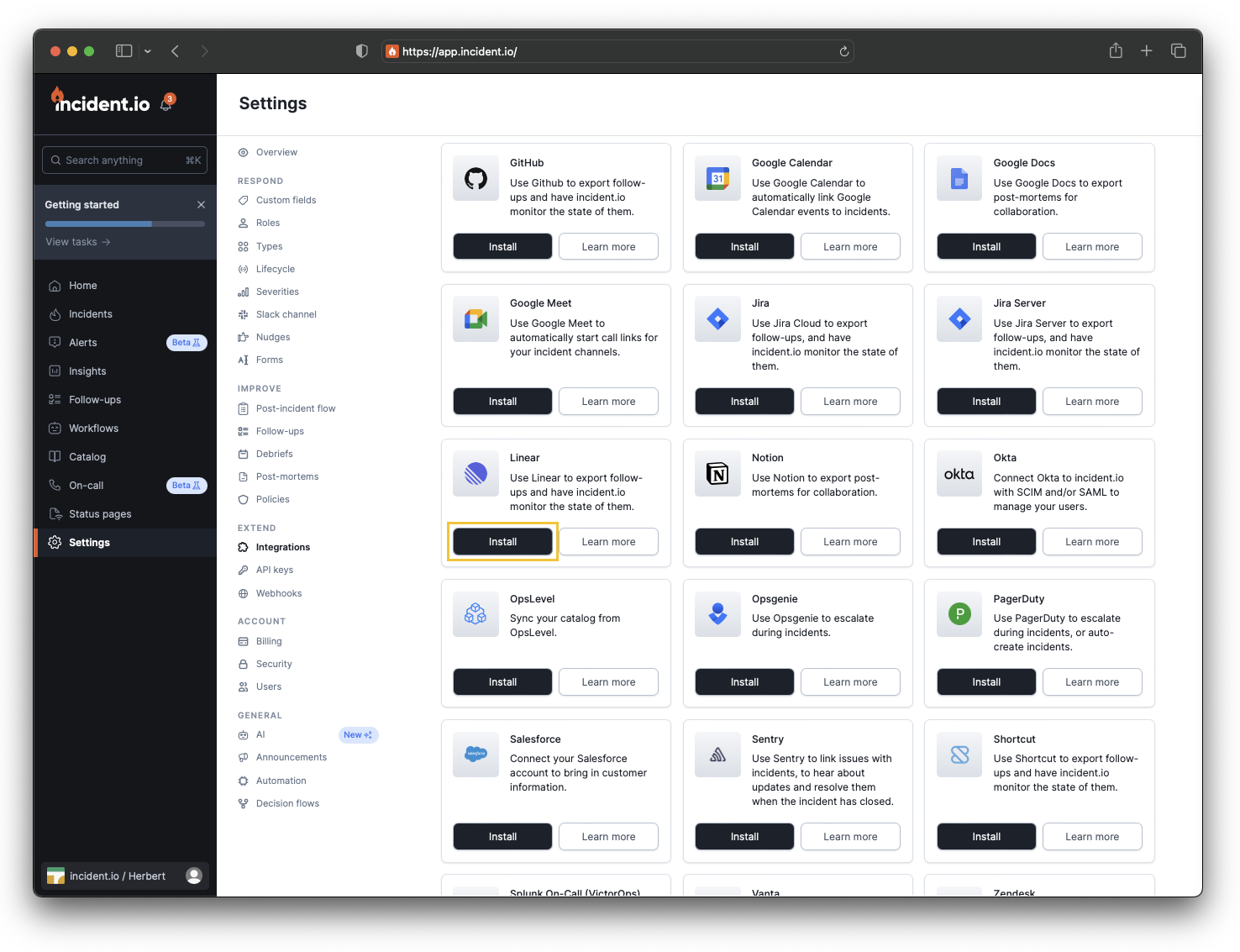
1. **Go to Settings >** [Integrations](https://app.incident.io/~/settings/integrations)
Hit `Connect` next to Linear.
5. **Auto-exports to Linear,** you can automate the export process of follow-ups based on certain incident criteria, such as severity, and specific custom fields such as responsible teams
... [get in touch](http://incident.io/community) to give us your wishlist!
### Create incident tickets in Linear
You can create incident tickets in Linear, keeping a record of your incidents alongside your team's other work. Incident status can be synced to the Linear ticket using expressions in your template configuration.
***
## Setting Up
Adding Linear to incident.io is simple.
1. **Go to Settings >** [Integrations](https://app.incident.io/~/settings/integrations)
Hit `Connect` next to Linear.
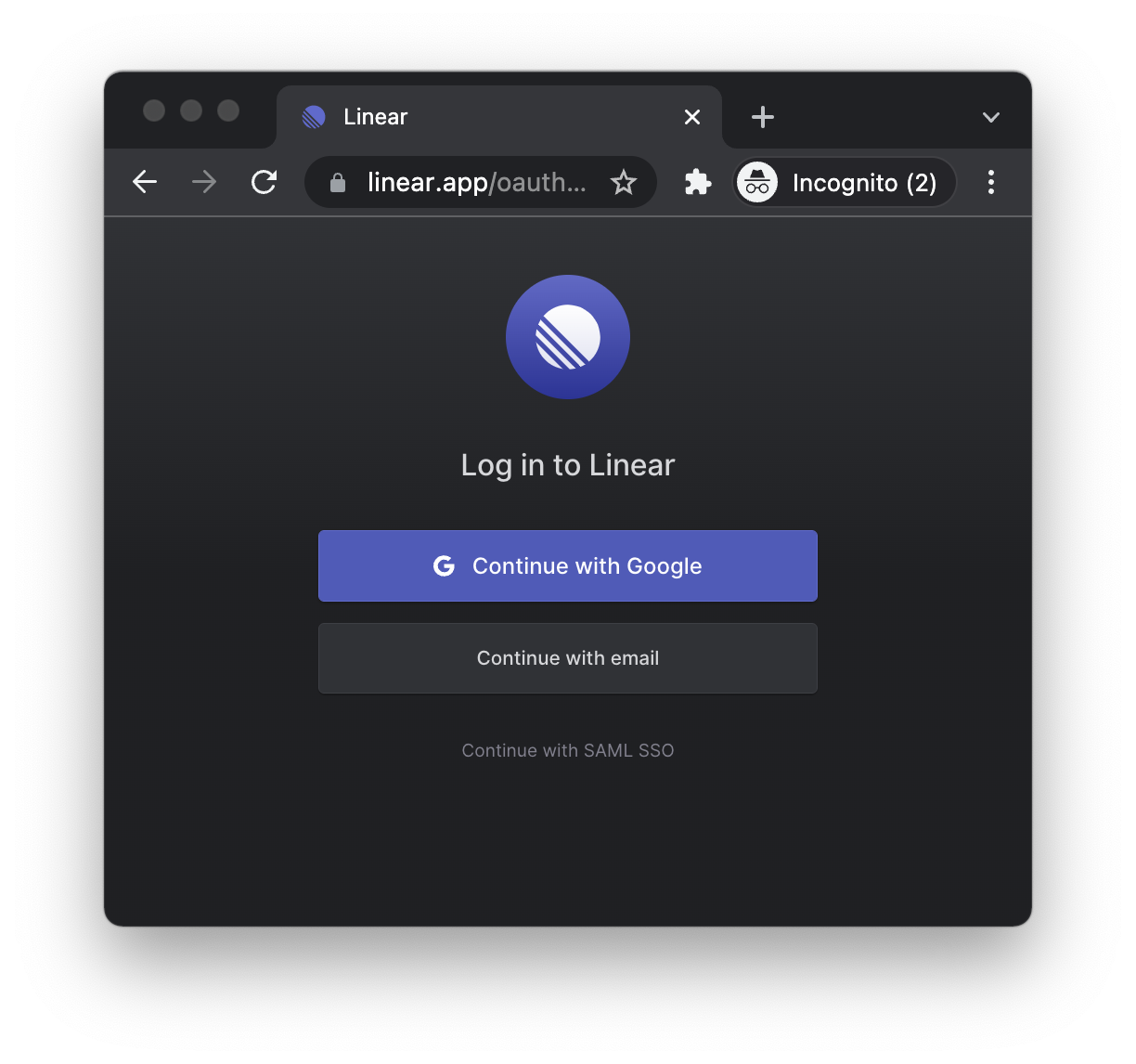
 2. **Log into Linear**
*We currently only support one single Linear workspace*.
2. **Log into Linear**
*We currently only support one single Linear workspace*.
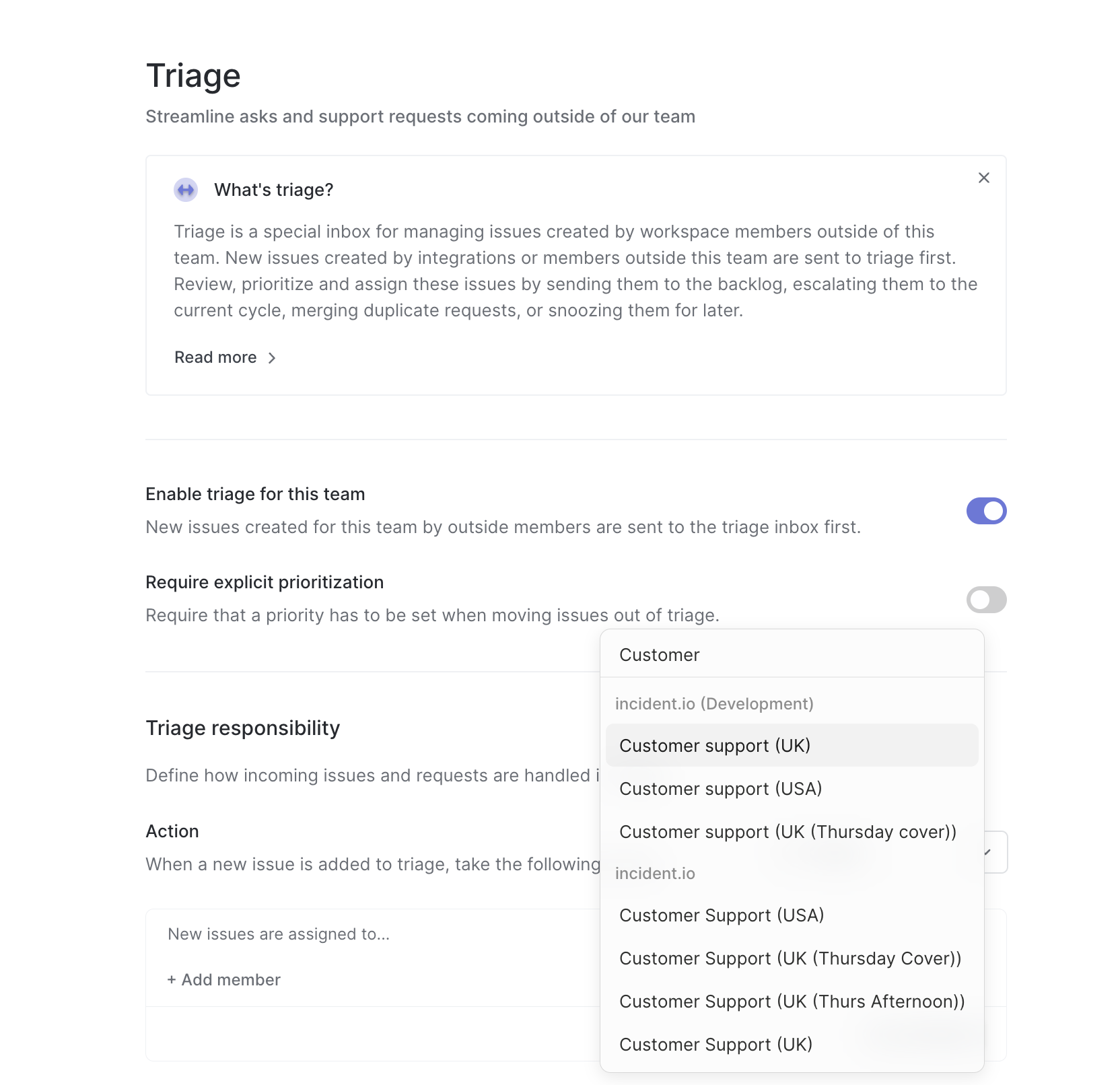
 3. **Enable a Triage action for your team on Linear**
In `linear.app/settings/teams/your-team/triage`, select `Notify` or `Assign` as a Triage action and click **Use schedule** to pick which incident.io schedule you want to automatically use.
3. **Enable a Triage action for your team on Linear**
In `linear.app/settings/teams/your-team/triage`, select `Notify` or `Assign` as a Triage action and click **Use schedule** to pick which incident.io schedule you want to automatically use.
 That's it!
## FAQs
* Status, Title, Description, and Assignee will all go from Linear to incident.
* The Title and Description fields will go from incident to Linear.
* Schedule name and times for the next 5 weeks will go from incident to Linear.
* Linear will assign the person which comes from the first rota that is active
* Example: If you have a rota 9am-5pm and a rota 5pm-12am, then we'll return whoever is on shift for each of those. But if you have a first rota that's 24/7, the person on that will always be assigned to the Linear triage tickets.
That's it!
## FAQs
* Status, Title, Description, and Assignee will all go from Linear to incident.
* The Title and Description fields will go from incident to Linear.
* Schedule name and times for the next 5 weeks will go from incident to Linear.
* Linear will assign the person which comes from the first rota that is active
* Example: If you have a rota 9am-5pm and a rota 5pm-12am, then we'll return whoever is on shift for each of those. But if you have a first rota that's 24/7, the person on that will always be assigned to the Linear triage tickets.