> ## Documentation Index
> Fetch the complete documentation index at: https://docs.incident.io/llms.txt
> Use this file to discover all available pages before exploring further.
# Teams in Insights: Troubleshooting
This page is an FAQ for any issues you're facing with the Teams dashboard in Insights.
### I've set up Teams in Catalog, but I'm still seeing the welcome screen in Insights. What have I done wrong?
If you see this screen when you open Insights:
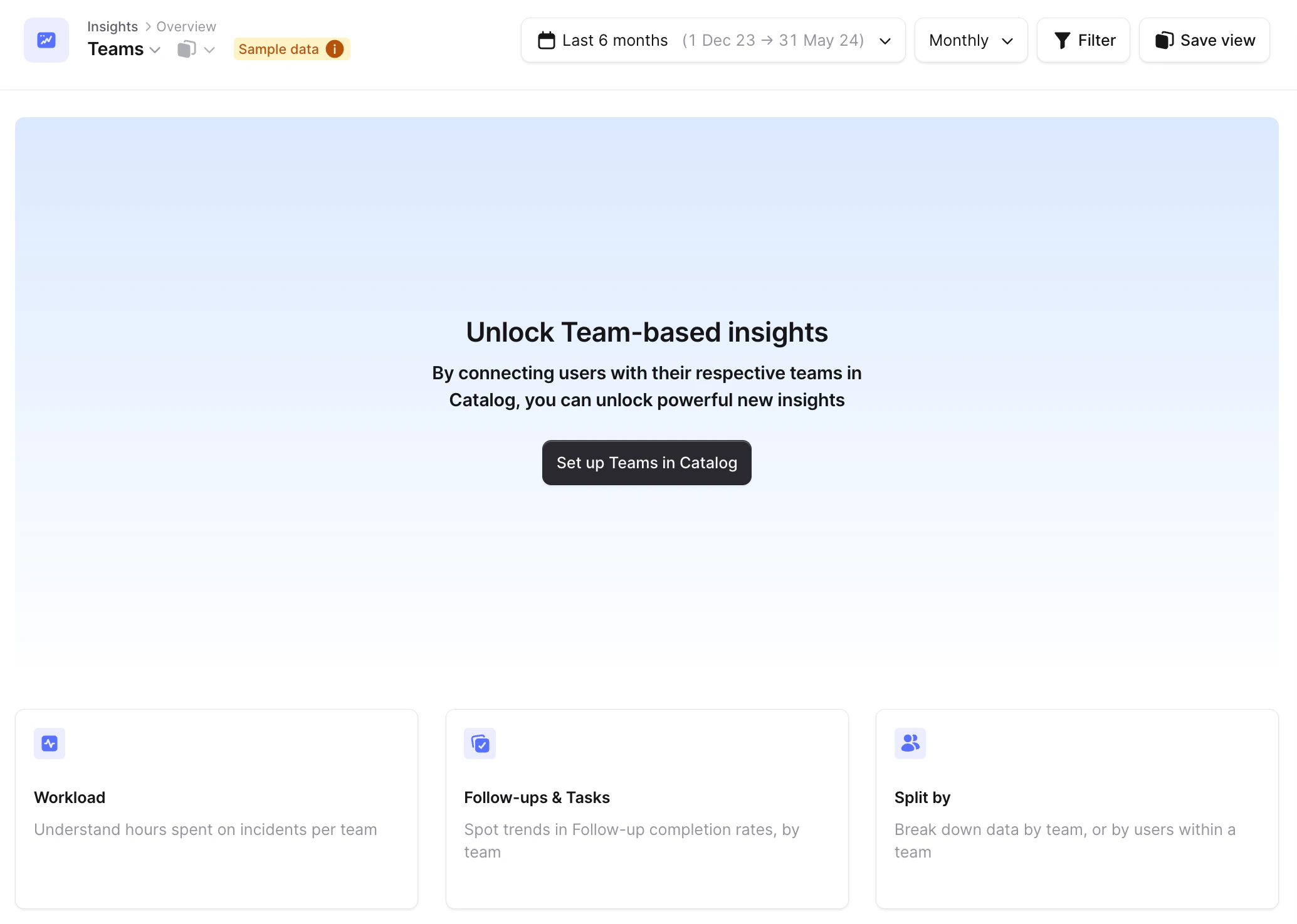 It generally means you haven't followed the [📄 Setting up teams](/catalog/teams) guide, as we require you to have a link from your [incident.io](http://incident.io/) **User** to a **Team** !