> ## Documentation Index
> Fetch the complete documentation index at: https://docs.incident.io/llms.txt
> Use this file to discover all available pages before exploring further.
# Audit logs
> Track configuration changes and permission updates across your account
Audit logs track changes made within your incident.io account, giving you a complete record of who changed what and when. Available on the [Enterprise plan](https://incident.io/pricing), powered by [WorkOS](https://workos.com/), with entries retained for one year.
You must be an Owner or Admin to access audit logs. Entries are available from April 18, 2023 onwards.
## What’s tracked
Audit logs capture configuration changes across incident.io, including:
* Alert sources, routes, and escalation paths
* Schedule and on-call configuration changes
* User role assignments and permission updates
* Access grants to private incidents
* Workflow and automation changes
* Integration configurations
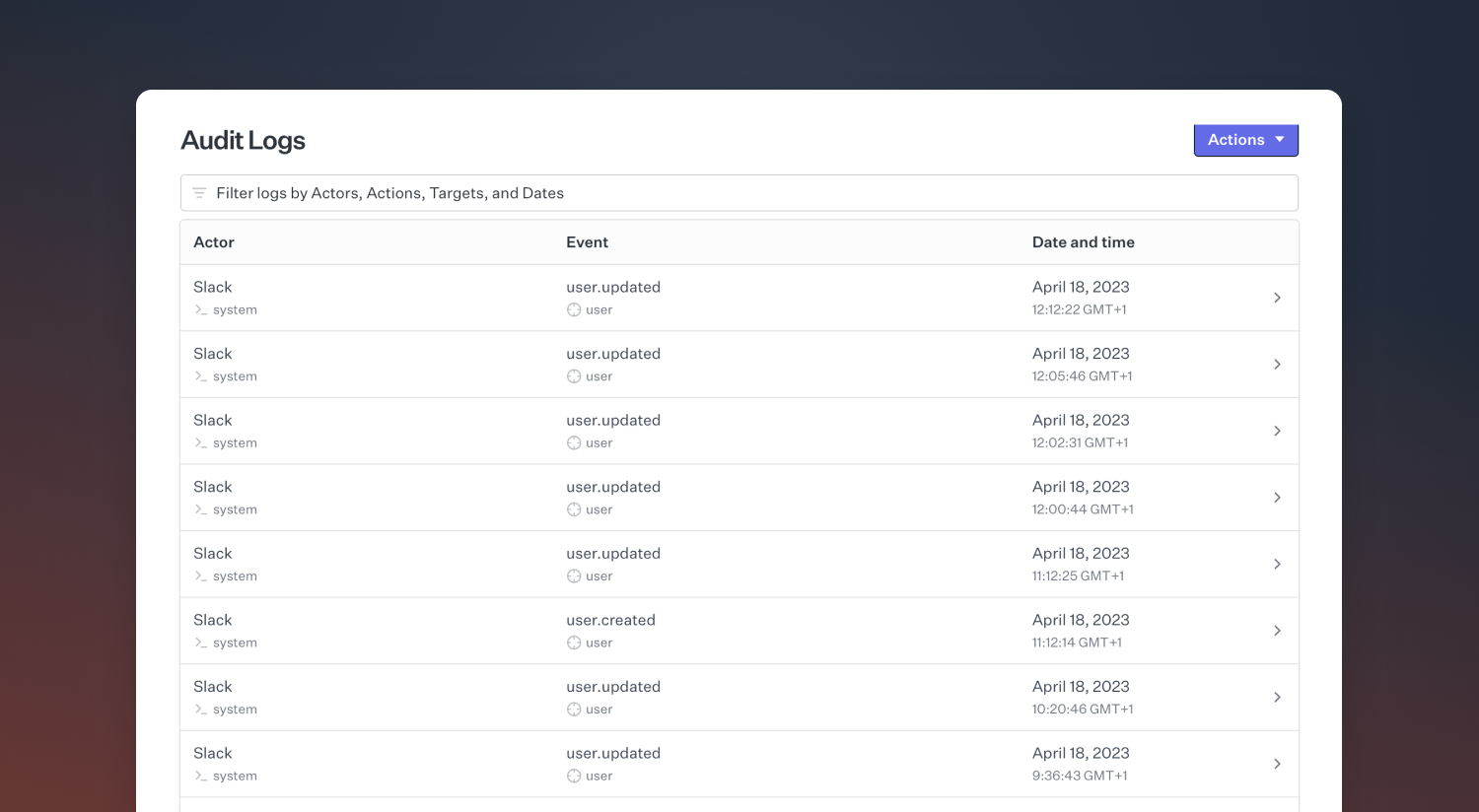
Each entry records the actor (person or system making the change), the target (what was modified), and contextual details like location and user agent. Entries conform to a versioned schema — see the [Audit logs API reference](https://docs.incident.io/api-reference/audit-logs) for full details.
 ## Viewing audit logs
Access audit logs at [Settings → Security](https://app.incident.io/~/settings/security). From there you can:
* View entries in a web interface, filterable by target, event type, actor, and date
* Export entries for a given time period to CSV
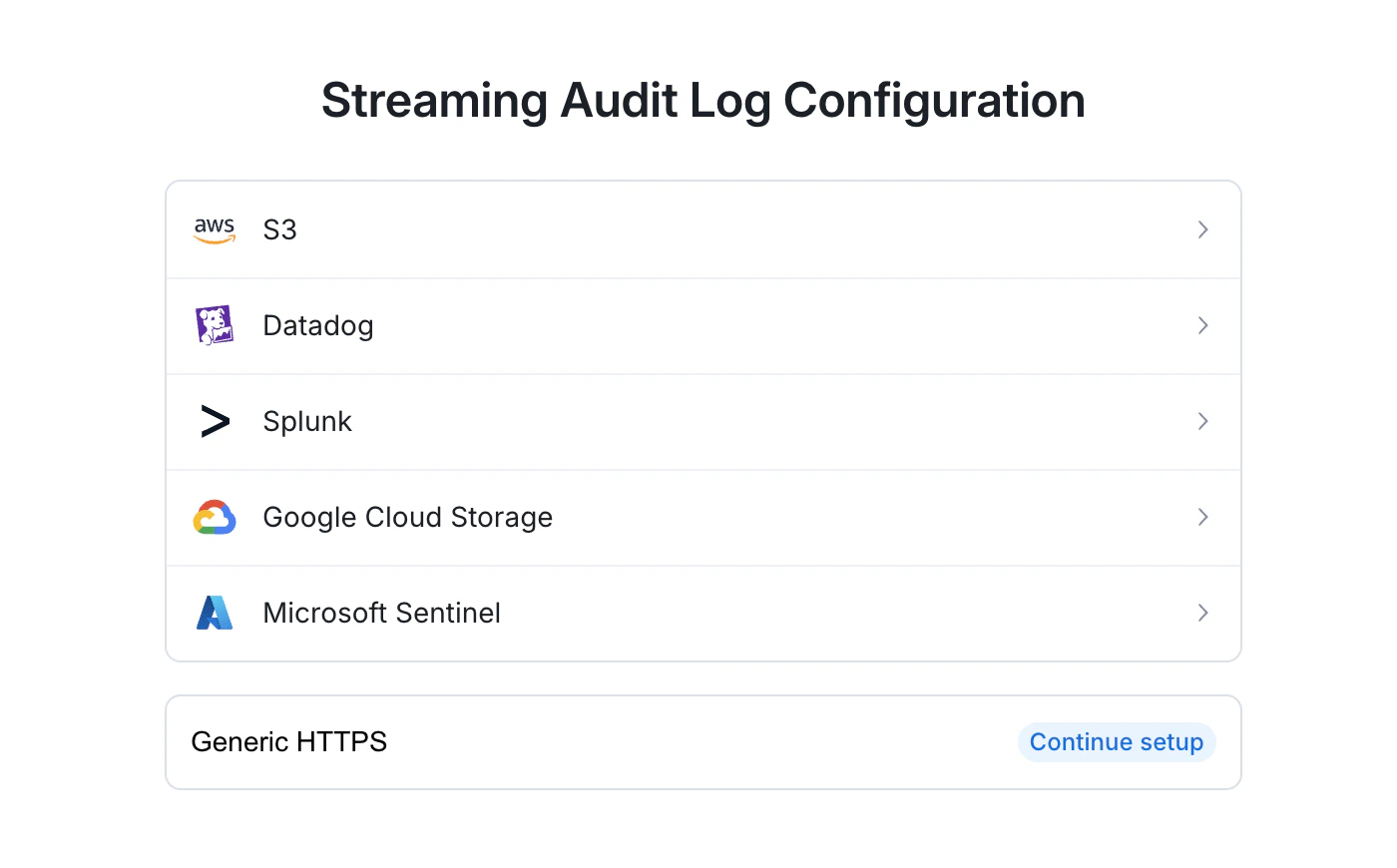
* Set up a log stream to a SIEM provider (e.g. Datadog, Splunk, or an Amazon S3 bucket)
## Viewing audit logs
Access audit logs at [Settings → Security](https://app.incident.io/~/settings/security). From there you can:
* View entries in a web interface, filterable by target, event type, actor, and date
* Export entries for a given time period to CSV
* Set up a log stream to a SIEM provider (e.g. Datadog, Splunk, or an Amazon S3 bucket)
 ## API access
Access audit log entries programmatically via the [Audit logs API](https://docs.incident.io/api-reference/audit-logs).
## API access
Access audit log entries programmatically via the [Audit logs API](https://docs.incident.io/api-reference/audit-logs).